Seven out of ten shoppers who add something to a cart leave without buying. Baymard Institute puts the average cart abandonment rate at 70.22%. That one number explains the real job when you start an ecommerce business in 2026. Launching a store is the easy part. Building one that turns visitors into paying customers is the work.
Here is the short answer. To start an ecommerce business, prove that people want your product, choose a business model, budget for the real costs, pick a platform that fits your revenue stage, build a fast store with a simple checkout, test everything before launch, and then win your first customers. Below are all ten steps, with cost ranges and results from stores we have built at KrishaWeb since 2008.
Table Of Contents
Table Of Contents
What is the smartest way to start an ecommerce business?
Most guides hand you a checklist. I would rather hand you a sequence. We call it the Prove-Before-You-Build method, and it comes from watching what goes wrong on real projects.
First, prove demand with the cheapest test you can run. Second, build the smallest store that can take real orders. Third, spend more only where your numbers show customers are buying. Our 2026 cost research points the same way. Going custom before you have proof of demand is the most expensive mistake we see on first stores.
A store is not a brochure you build once. It is infrastructure you run.
The ten steps below follow that order. Validate first. Plan second. Build third. Launch fourth. Grow last.
Step 1: How do you choose a product that sells online?
Start with what you know. If you already have expertise in a category, that is your edge over sellers who are guessing. If you do not, research before you spend. Look at marketplaces like Amazon and Etsy to see what moves. Check Instagram and Pinterest to see what people save and share. Use Google Trends to see whether interest is climbing or fading.
Then pressure-test the idea with three questions. Do people search for it? Can you source it at a margin that survives shipping and advertising? Will customers want it again? A product that fails any one of those gets expensive fast.
Product choice also decides your operations, which surprises many founders. Erie Gold and Silver sells gold, silver, and collectible coins, where a single coin can be the only one in stock. That reality shaped every system we built for them, from live pricing to inventory sync.
Your product decides your operations. Choose it before you choose a platform.
Step 2: Which ecommerce business model should you choose?
Your business model sets your budget more than your product does. A store testing demand needs very little. A wholesale platform needs customer-specific pricing, net terms, and often an ERP connection. Our guide to the types of ecommerce business models goes deeper. This table shows how the five common setups differ.
Model
What it demands
Who it suits
First store
A simple template store and a fast launch
Founders testing whether people will buy
Growing D2C brand
Custom design, specific features, SEO and conversion work
Brands with traction that are outgrowing a template
B2B or wholesale
Customer-specific pricing, net terms, purchase orders, bulk ordering, ERP integration
Manufacturers and distributors selling to trade buyers
Custom or headless architecture, deep ERP, CRM, and fulfillment integrations
Retailers with serious traffic and complex operations
Wholesale shows why the model matters. Before we built the Erie Gold and Silver platform, wholesale buyers saw the same prices as first-time retail customers and ordered by phone and email. Now approved accounts see their own pricing and check out without a call. Wholesale growth no longer depends on how many calls the team can take in a day.
Step 3: How do you research your competitors?
Competitor research is not about copying features. It is about finding the friction they have not fixed. Work through five questions. What is their business model? Do they sell one hero product or a full catalog? Which channels bring them traffic? Who are they speaking to? What does their funnel look like from first click to order confirmation?
Then go one step further and place an order with two of them. Note when the shipping cost appears, how many steps checkout takes, and what the confirmation email says. Baymard Institute’s research, which we cite in ourgrowth hacking guide, shows unexpected costs at checkout are the top reason shoppers leave. If your competitors hide shipping until the last step, showing it early is a real advantage.
We apply the same habit to client work. Before touching code on the Japanese Knife Company site, we audited what international visitors could not do. They could not browse in their language or pay in their currency. That gap became a revenue fix.
Step 4: How much does it cost to start an ecommerce business?
The short answer is anywhere from $2,000 to $250,000. That range is nearly useless alone, so here is the split by build type, taken from our 2026 eCommerce website development cost guide.
Build type
Cost range
Timeline
Best for
Template store (Shopify or Wix theme)
$2,000 to $10,000
2 to 5 weeks
Startups testing demand
Semi-custom (theme plus development)
$10,000 to $30,000
6 to 12 weeks
Growing brands needing custom features
Fully custom build
$40,000 to $150,000
4 to 9 months
Unique requirements, full control
Marketplace or multi-vendor
$30,000 to $100,000+
4 to 12 months
Platforms with multiple sellers
Enterprise or headless
$100,000 to $250,000+
6 to 18 months
High volume, complex operations
Those figures cover design and development only. The running costs are where budgets quietly break. Plan for hosting at $240 to $3,600+ a year, apps at $200 to $1,000+ a month on a serious store, payment processing at 1% to 3% of every transaction, and maintenance at 10 to 20% of your build cost each year. A $50,000 store needs $5,000 to $10,000 a year to stay secure, updated, and fast. Marketing sits on top and is usually the biggest line.
Where your developers are based moves the quote too. Agency rates run $100 to $250 an hour in the US and Canada and $25 to $60 in India. Across our 100+ Shopify projects, a custom Online Store 2.0 build typically costs $8,000 to $18,000, and a Shopify Plus build runs $20,000 to $45,000.
Budget for the store you will run, not the store you will launch.
Step 5: What should you plan and register before you build?
Write a one-page plan before you spend on development. Cover who your customer is, what you offer, where your supply comes from, which channels you will sell through, and what each order has to earn. Branding belongs here too. A logo is not a brand. A brand is the reason someone picks you over an identical product at a lower price.
Legal setup depends on where you live, so talk to a local attorney or accountant. One distinction trips people up. Registering a company, such as an LLC in the US, creates your legal entity. It does not by itself protect your brand name. Trademark protection is a separate step. The 2022 version of this article blurred the two, and I wanted to correct that.
Ownership matters just as much. Before work starts on any KrishaWeb project, we sign an NDA and an IP assignment, and all code goes into your repository. Ask any developer you hire for the same.
Registering a company and protecting a brand name are two different jobs.
Step 6: Which ecommerce platform should you choose?
Your platform decision drives your upfront cost and your costs for years afterward. This table covers the five options we build on most.
Platform
How it works
Cost shape
Best fit
Shopify
Hosted. Hosting, security, and updates are handled for you
$39 Basic, $105 Grow, $399 Advanced, $2,300+ Plus per month, plus apps
The fastest path to a working store
WooCommerce
Free plugin on WordPress. You own hosting, security, and updates
No license fee. Hosting $20 to $300+ a month, plus extensions and development
WordPress teams that want control
BigCommerce
Hosted, with a deep built-in feature set
$39 to $399 a month, hosting included, no platform transaction fee
Managed growth with fewer design controls
Magento or Adobe Commerce
Enterprise platform for complex catalogs
Higher development and hosting cost
B2B rules and multi-store setups
Custom (Laravel, Node, headless)
Built around your exact needs
Higher upfront, no per-sale platform fee
Businesses no platform fits
Here is the pattern. Hosted platforms cost less to start and more every month. Open-source and custom builds cost more to build and less to run at scale. Under roughly $1 million in revenue, Shopify usually comes out ahead overall. Past that, and especially with complex needs, a custom build tends to overtake it within 18 to 24 months.
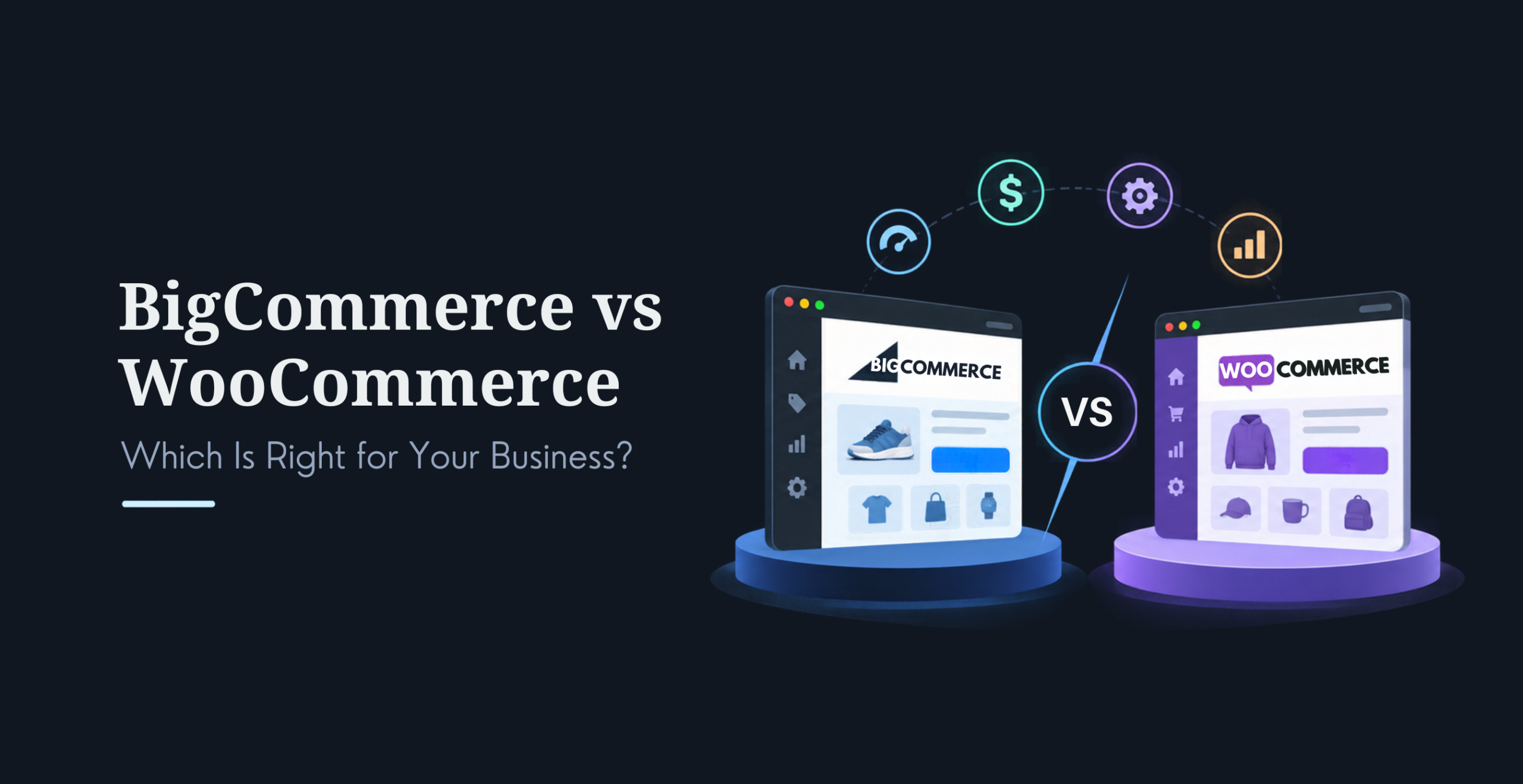
One question settles most WooCommerce versus BigCommerce debates. Does your team have the capacity to manage hosting, security, and updates, or would you rather pay a platform to handle them? Our BigCommerce vs WooCommerce comparison walks through the rest. If search traffic matters to you, see also which ecommerce platform is best for SEO.
Sometimes no platform fits. When we scoped Erie Gold and Silver, Shopify, WooCommerce, and BigCommerce all had precious metals plugins. None handled live pricing, two product types, wholesale tiers, and two-way eBay sync together reliably. So we built a custom platform on AWS.
Hosted platforms cost less to start and more per month, forever.
Step 7: How do you build a store that converts?
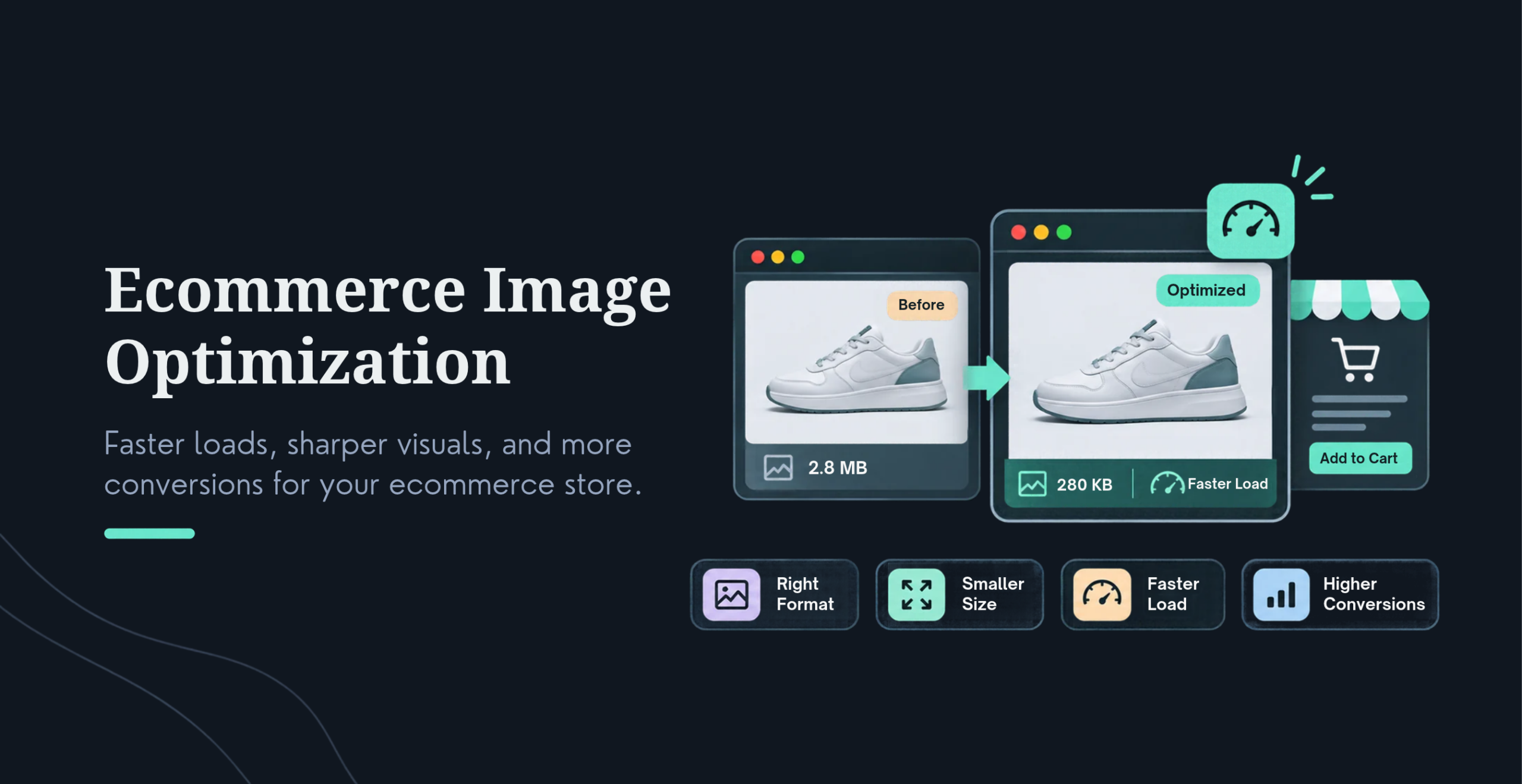
Speed, mobile experience, and checkout do most of the converting. Keep product pages clear, show total costs early, and offer guest checkout. Baymard Institute’s meta-analysis of 50 studies puts average cart abandonment at 70.22%, and unexpected shipping, taxes, and fees lead the reasons shoppers walk. If you sell abroad, add local languages and currencies. Compress product images too. Our guide to optimizing ecommerce product images shows how. Our ecommerce conversion rate optimization guide covers the testing side.
The Japanese Knife Company is our clearest example. Its WooCommerce store loaded in about 5.8 seconds, and mobile PageSpeed sat near 37. The brand shipped worldwide but ran English only and pounds only. We cut load time to about 2.0 seconds, lifted mobile PageSpeed to 83, and added multi-currency checkout and multilingual pages. Cart abandonment fell from roughly 79% to 61% (the case study measures this against an industry benchmark), and net sales grew 29% year on year. That growth came from removing friction, not adding features.
Erie Gold and Silver tells the same story. Its checkout completion rate climbed from about 51% to about 74% after page load dropped from 5.5 seconds to 2.0 seconds and wire transfer joined the payment options. We built that checkout around how bullion buyers pay.
On the Japanese Knife Company project, speed was the first fix, because every other gain depended on it.
Step 8: What should you test before you launch?
Run this checklist before a single customer sees the store.
Place real test orders with every payment method, then refund them.
Check shipping rates, taxes, and confirmation emails for each region you sell to.
Test checkout on real phones, not just a desktop browser.
Confirm Google Analytics records purchases correctly.
Set up a staging site so every later update is tested before it goes live.
Update plugins and review access controls.
If you are migrating, validate every redirect against Search Console data to protect your rankings.
The staging site is the item founders skip. Before we worked with the Japanese Knife Company, plugin updates and new features went straight to the live store, so customers found the bugs first. We built a staging environment, and now everything is tested there first. A staging server costs little next to one checkout bug during a peak sales week.
Timing matters as well. Line up your SEO and marketing work before launch day so you open with an audience, not an empty room.
A staging server is the cheapest insurance an online store can buy.
Step 9: How do you get your first customers?
We use the Leak-Before-Lever method. Fix the leaks in your checkout before you pull a growth lever like a bigger ad budget. Sending paid traffic into a leaky checkout just burns the spend. Once the checkout holds, add one lever at a time and measure each.
Start with the channels that cost the least. Capture emails from day one. Ask happy customers for referrals right after delivery. Write long-tail phrases like “waterproof hiking boots for wide feet” into product titles and descriptions, so Google and AI assistants can both match them. Shoot short product videos on a phone. Reply to comments like a person, not a broadcast channel. Our growth hacking strategies for ecommerce businesses covers each in detail.
Service builds repeat buyers. Answer questions with FAQs and live chat, show reviews, and make returns painless. Our guide to ecommerce customer experience has more. Personalization helps too. McKinsey’s research (2017) found personalized marketing can cut customer acquisition costs by up to 50% and lift revenue by 5% to 15%. If you want help with search, our SEO and content marketing teams build this into ongoing ecommerce campaigns.
Fix the leak before you pull a growth lever.
Step 10: Which ecommerce metrics should you track?
Use Google Analytics to watch traffic, sales, and content performance. Then track the numbers below. The right-hand column shows where we have seen each one move on real projects.
Metric
What it tells you
What we have seen
Checkout completion rate
How many buyers finish the order
Erie Gold and Silver: about 51% to about 74%
Cart abandonment rate
Where your checkout leaks
Average 70.22% (Baymard Institute). Japanese Knife Company: about 79% to about 61%
Bounce rate
First impressions
Japanese Knife Company: about 72% to about 46%. Erie Gold and Silver: about 74% to about 45%
Average session duration
How deeply visitors research
Japanese Knife Company: 1m 08s to 2m 52s
Page load time
Speed and SEO health
Japanese Knife Company: about 5.8s to about 2.0s
Acquisition cost, average order value, repeat purchase rate
Whether growth pays back
Calculate from your own store data
One number deserves extra attention: contribution margin per order. It is revenue minus every variable cost, including product, shipping, payment fees, and the ad spend that won the customer. Read these metrics together. That habit separates stores that grow from stores that just get busier.
Sales tell you what happened. Contribution margin tells you whether it was worth it.
How is AI changing ecommerce in 2026?
AI now shows up in two places: inside your store, and in front of it. Inside your store, features carry real price tags. In our 2026 cost research, AI product recommendations add $5,000 to $15,000, AI-powered search $3,000 to $15,000, a chatbot connected to your catalog $3,000 to $8,000, and AI product descriptions at scale $2,000 to $5,000. Dynamic pricing and personalization engines run $5,000 to $20,000+. Recommendations usually show the clearest return, because a lift in average order value pays for itself.
In front of your store, AI shopping tools are starting to read catalogs directly. BigCommerce’s parent company, now branded Commerce, opened early access to its Storefront MCP so AI systems like ChatGPT, Gemini, and Copilot can read a store’s catalog. WooCommerce released a developer preview of its own MCP integration and is building toward the Universal Commerce Protocol with Google. Shopify, the platform most first stores start on, co-developed that protocol with Google, so it is further along than either. Neither platform has handed checkout to AI agents at scale yet. For most small stores, this is groundwork, not a feature to plan around this quarter.
It still changes one habit today. Complete titles, descriptions, and structured attributes now pay off twice. AI-assisted development also shortens builds, which lowers labor cost on comparable projects. Our AI Solutions team builds these features into stores, and our guides on building an AI-powered ecommerce website and AI personalization results go deeper.
Your product data now has two readers: the shopper, and the AI agent deciding whether to recommend you.
After 2,400+ projects across all technologies, the same errors keep showing up. The costliest is building custom before you have proof of demand. Close behind is budgeting only for launch. Hosting, apps, security, and marketing keep billing after go-live, and they surprise people about six months in.
Integrations come next. Connecting an ERP, CRM, fulfillment system, or legacy database is the most underscoped line in most quotes. Messy product data hurts too, because it needs cleanup before anything works, and that work is billable. Then there are slow pages and skipped staging. Each is cheap to prevent and expensive to fix after customers have noticed.
When you compare quotes, compare scope, not the bottom line. A quote with no integration plan, no product-data plan, no staging environment, and no clarity on who owns the code is not cheaper. It is incomplete.
Frequently asked questions
How much does it cost to start an ecommerce business?
It depends on what you build. A template store on Shopify or WooCommerce runs $2,000 to $10,000, a semi-custom store $10,000 to $30,000, and a fully custom build $40,000 to $150,000. Marketplaces and enterprise builds cost more. Then add running costs: hosting, apps, payment fees of 1% to 3% per transaction, and maintenance at 10 to 20% of your build cost each year. Marketing is separate and usually the largest ongoing line.
Which ecommerce platform is best for beginners?
For most first stores, Shopify is the fastest path because it handles hosting, security, and updates for you, with plans starting at $39 a month. WooCommerce suits you better if you already run WordPress and want deeper control, but you take on hosting and maintenance. Under roughly $1 million in revenue, Shopify usually comes out ahead overall. Choose based on how much of the technical side your team can run.
How long does it take to launch an ecommerce store?
A template store takes 2 to 5 weeks and a semi-custom store 6 to 12 weeks. A custom Shopify build on Online Store 2.0 typically takes 6 to 10 weeks, and a fully custom platform takes 4 to 9 months. Marketplace and enterprise builds can run up to 18 months. Timelines stretch with design complexity, integrations, messy product data, and slow feedback, so a discovery phase before development saves rework.
Do I need to register a business before selling online?
Requirements depend on your country, state, and what you sell, so ask a local attorney or accountant before you launch. Two things are often confused. Registering a company, such as an LLC where it exists, sets up your legal entity. A trademark protects your brand name. One does not replace the other. Also confirm you own your domain, code, and customer data from day one.
Should I use AI tools in my new ecommerce store?
Yes, where they earn their place. AI product recommendations cost roughly $5,000 to $15,000 to add, a chatbot connected to your catalog $3,000 to $8,000, and AI-written product descriptions $2,000 to $5,000. Start with the feature tied most directly to revenue, usually recommendations or search, and keep a person reviewing the output. Keep your product data clean too, because AI shopping tools read it to decide what to recommend.
What is the most common mistake new ecommerce founders make?
Building too much too soon. Going custom before you have proof that people want the product is the most expensive mistake we see. Close behind is budgeting only for launch. A store has ongoing costs for hosting, apps, security, and marketing, and those surprise people six months in. Start with the smallest store that can take real orders, then invest where the numbers show demand.
Ready to build your store?
Tell us what you are building and we will give you a real number, not a range. We will also tell you which platform fits your revenue stage, even when it is not the one we would prefer to build.
A Technical Architect, proficient in WordPress, Drupal, Laravel, and DevOps tasks, crafts robust IT solutions with a blend of expertise and versatility in web development and infrastructure management.




 KrishaStudio
 KrishaStore