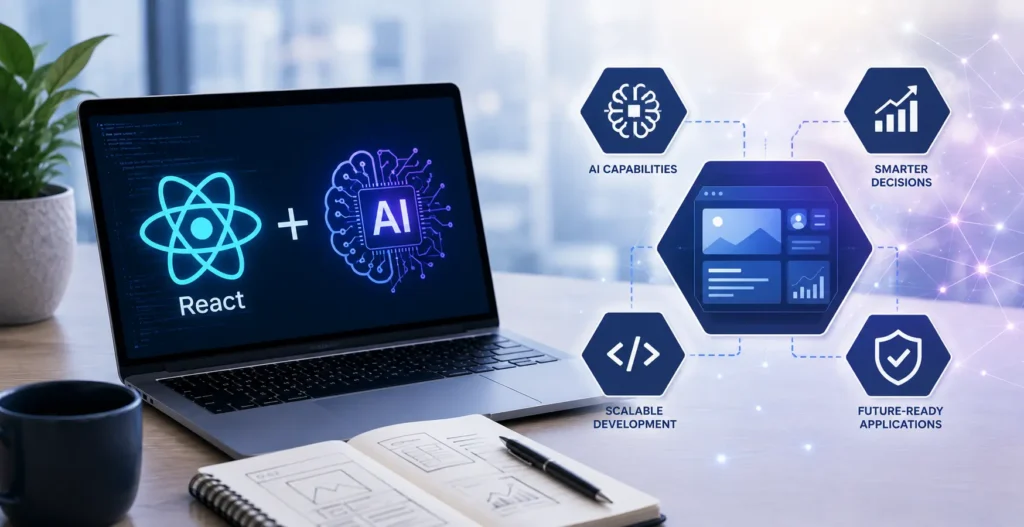
If you are deciding whether to build your next product in React or whether your team is using it well, the ground shifted under this question in the last eighteen months. React did not change much. What you can now build with it, and how fast, changed a lot.
I lead custom development at KrishaWeb, and this guide is written for the person signing off on the build, not the person writing the code. You will not need to know what a hook is. You will finish being able to scope an AI-powered React project, brief your team, and tell the difference between a plan that is current and one that is two years behind.
I have organized it the way a decision actually gets made: why React is the right base, what AI speeds up, what it lets you build, and the harder architectural questions, server components, state, testing, and performance that decide whether your app is fast and stable or slow and fragile. Then the stack itself. Let’s go.
Table Of Contents
Table Of Contents
React was already the future. AI makes it the present
First, the base decision, because everything else rests on it.
React has been the most widely used way to build web interfaces for years. In the Stack Overflow 2025 survey of over 49,000 developers, it came out on top again at 44.7% adoption. That matters to you for a plain business reason: the biggest talent pool, the most solutions when your team hits a wall, and the safest long-term bet with Meta behind it.
What is new is that React turned out to be unusually well-suited to AI features. The way modern AI interfaces work, answers appearing gradually as the AI thinks rather than all at once, maps almost perfectly onto capabilities React already had. The pieces React added for other reasons, streaming and progressive loading, are exactly what AI-powered interfaces need. So React did not just survive the AI shift. It became one of the best places to build for it. Choosing React in 2026 is choosing the platform the AI ecosystem is being built on top of.
AI-powered component generation: faster builds, same judgment
The first thing AI changed is how fast the routine parts of a React app get built.
Tools like v0 turn a description, or even a pasted design, into working React interface code in about a minute. Coding assistants scaffold components, write the repetitive setup, and generate the first draft of tests in seconds. On the routine 70% of a build, the standard screens, forms, and layouts, this is a real and large speedup, and it should show up in your timeline and your quote. A team using these tools well delivers the routine parts faster than a team working the old way.
Here is what it does not change and what you are still paying for. The generated code is a strong first draft, not a finished product. It needs a developer to review it, because AI writes confident code that is sometimes subtly wrong, and it looks identical to right code. The speed is real. The need for skilled people to direct and check it is unchanged. As one engineer put it, if your system design is weak, AI just generates scalable chaos faster.
The takeaway for scoping: expect faster delivery on standard work, and do not let anyone tell you AI removes the need for experienced review. The review is what keeps the speed from becoming a liability.
Integrating AI features into your React app: the real value
Everything above is AI helping build the app. This is AI running inside the app you ship, and for most businesses this is where the money is.
This is what lets your product do things it could not before: a support assistant that actually knows your data, search that understands meaning, content that generates itself, and a chat interface that feels alive. The tooling for this matured fast. The Vercel AI SDK, now past 20 million monthly downloads, is the standard toolkit for wiring AI features into a React app, and it handles the tricky parts (like streaming answers in gradually), so your team does not build them from scratch. It also works across OpenAI, Anthropic, and Google, which matters commercially: you can switch AI providers as prices and capabilities change without rebuilding your app.
For scoping, understand the distinction. Adding an AI feature to an existing React app is a contained, weeks-long project. Building an app where AI is the core experience is a larger effort with real architecture behind it. Both are very achievable in React in 2026, which was not true two years ago. If you are building AI into a React product, this is exactly the work ourAI Solutions andReact Development teams do together.
React Server Components and AI: the performance case
This one sounds technical, but the business point is simple, so stay with me.
React Server Components (RSC) let parts of your app run on the server instead of shipping everything to the user’s browser. For AI apps, that is a real advantage. Your AI logic and your data access run on the server, close to your database and safely away from the user, while the interface streams to them progressively. Combined with a technique Next.js calls partial prerendering, the page can show its shell instantly and stream the AI-generated parts in as they are ready, so the user sees something immediately instead of staring at a blank screen.
Now the honest part, because this is where teams go wrong. Server components are not a magic performance fix. They are the right tool for data-heavy, content-first pages and the wrong tool for highly interactive screens like a complex dashboard with live filtering, which works better on the client. As one engineer put it bluntly, if your API takes two seconds to respond, streaming the HTML will not save you; fix the slow data first. A team that treats server components as a silver bullet for everything is a small red flag.
What you need from your team: a clear answer on which parts of your app run on the server and which run in the browser and why. If they can explain that split in plain terms, they understand this. If they say “we’ll use server components for everything,” they do not.
State management for AI-heavy apps: keeping the app coherent
“State” is just everything your app has to remember at once: who the user is, what they are doing, and the whole back-and-forth of their conversation with the AI. AI features make this harder, because now the app has to track the conversation history, whether the AI is still typing, and what the AI is allowed to know about what the user is doing.
Get this wrong, and the app feels broken in ways users notice: the AI forgets what was just said, the interface freezes while waiting, or the assistant answers without the context it needed. The fix is an architecture decision made early, choosing a clean, lightweight way to manage this shared state so the AI always has the full picture of what the user is doing. The tools the industry settled on for this (lightweight state libraries like Zustand and data-syncing tools like TanStack Query) exist specifically to keep AI apps coherent without drowning them in complexity.
The one warning worth passing to your team: the most common mistake is adding too many architectural layers before the product needs them. Complexity compounds fast. The best AI React apps keep the state model simple and give every tool one clear job. When you review a technical plan, simpler is usually the sign of more experience, not less.
Testing AI-integrated apps: a harder problem than normal
Testing matters more in AI apps, and it is genuinely harder, so it deserves a line in your budget rather than an afterthought.
Ordinary software is predictable: the same input gives the same output, so you test that it does. AI is not predictable in that way. The same question can produce different wording each time, the answer streams in piece by piece, and the model can occasionally get something wrong. You cannot test that as if it were a fixed calculation. So testing an AI app means checking different things: that the streaming works smoothly, that the app handles the AI being slow or unavailable without breaking, that a wrong or empty AI response does not crash the experience, and that the whole thing still feels right on a slow mobile connection.
AI does help here; it is good at generating the routine test scaffolding, cutting that setup time meaningfully. But the AI-specific tests, the ones that check how your app behaves when the model misbehaves, still need a human to design, because they are about judgment, not patterns. For scoping, the point is simple: an AI app needs more testing than a standard app, not less, and a plan that skips it is a plan to find the failures in production, in front of your users.
Performance considerations: where AI apps get slow and expensive
Two performance realities to know before you build, because both hit the budget.
The first is speed for the user. AI responses take time to generate, so an AI app that waits for the full answer before showing anything feels broken. The fix is streaming, showing the answer as it arrives, which React handles well, plus showing the page shell instantly rather than a blank screen. Done right, the app feels fast even though the AI is thinking. Done wrong, it feels sluggish no matter how good the AI is. This is a design decision, not an accident, so confirm your team is planning for it.
The second is cost, and it is the one businesses miss. Hosted AI models charge per use, so every interaction costs money, and an app that calls the AI carelessly or sends far more data than it needs on every request can quietly burn through your budget fast. Mature teams design for this from the start: sending the AI only the relevant context instead of everything, caching where they can, and putting limits in place so a traffic spike does not drain your monthly AI budget overnight. When you review a plan, ask directly how they control ongoing AI costs. A confident, specific answer is the sign of a team that has run one of these in production.
React + AI in 2026: the stack every SaaS should consider
If you are building an AI-powered SaaS, here is the proven combination the industry converged on in 2026, in plain terms, so you can recognize whether your team’s plan is current.
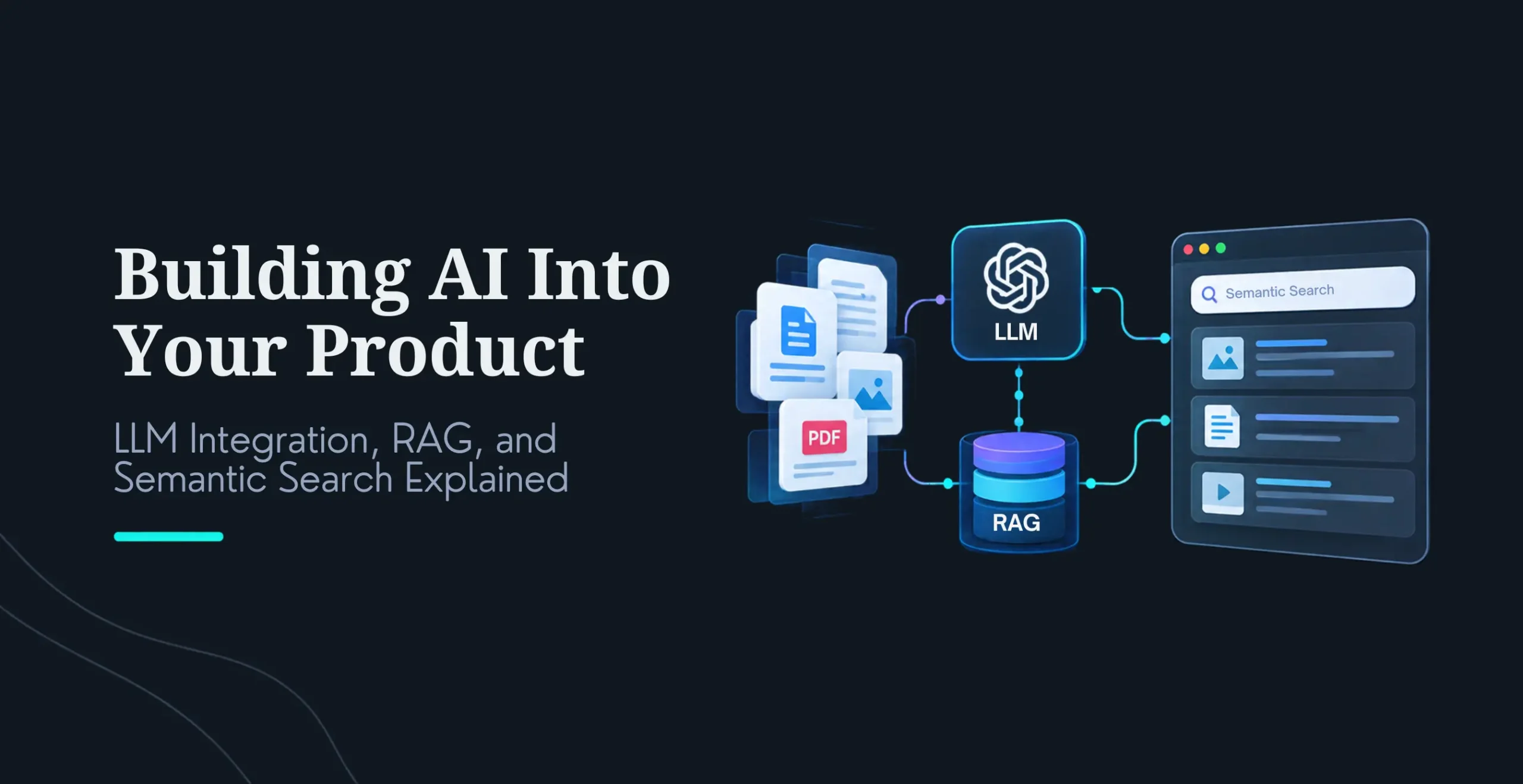
The foundation is Next.js, the standard React framework, because it handles server rendering and streaming without workarounds. The AI connection layer is the Vercel AI SDK, which links your app to the AI models and manages streaming. State is handled by a lightweight library like Zustand plus a data-syncing tool like TanStack Query, keeping the app coherent without bloat. And for AI that needs to know your business, the app uses a technique called RAG (retrieval-augmented generation) with a vector database, which lets the AI pull answers from your actual data instead of guessing, the single most important pattern for making AI accurate about your business and now the default for serious AI apps rather than an advanced extra.
You do not need to memorize those names. You need to know that a proven, standard stack exists, so if a team proposes something wildly different or cannot explain why they chose each piece, you have reason to ask more questions. The best stack in 2026 is a boring, well-understood one where every tool has one clear job, precisely because it is stable, hireable, and the AI tools themselves understand it well.
How to use this as a decision framework
Put together, here is what to take into your next planning conversation. React is the right base; it is the platform AI is being built on. Expect AI to speed up the routine build, but keep experienced review, because unreviewed AI code is a liability. The real prize is AI features inside your product, which React now supports well. The architecture questions, what runs on the server, how state is managed, how it is tested, and how performance and cost are controlled, are what separate an app that works from one that limps. And a proven, boring stack beats a clever, novel one almost every time.
When you brief a team or review a proposal, you now have the questions that reveal whether they have actually built one of these before. That is the whole value of a framework: not to make you the expert, but to let you tell the experts from the pretenders.
We build React applications the way this guide describes: AI for speed, experienced engineers for the architecture and review, and AI features built into the product using the proven 2026 stack. We scope the server-and-client split, the state model, the testing, and the ongoing AI cost upfront, so you are not discovering those decisions halfway through the build.
If you are planning an AI-powered React product, tell us what you are building. Schedule a call to talk it through, or contact us with your project.
Frequently Asked Questions
Is React good for building AI-powered apps in 2026?
Yes, React is one of the best choices for AI-powered apps in 2026. Its component model and streaming capabilities map naturally onto how AI interfaces work, where responses appear gradually rather than all at once. It also has the largest developer talent pool (44.7% adoption in the 2025 Stack Overflow survey), the most mature tooling for AI integration through the Vercel AI SDK, and strong backing from Meta. The AI ecosystem is actively being built on top of React, which makes it a safe, well-supported base for an AI product.
How does AI change React development?
AI changes React development in two ways. First, it speeds up building the app: tools generate components, scaffolding, and tests in seconds, accelerating the routine 70% of the work. Second, and more valuable, it lets you build AI features into the product itself, such as assistants, smart search, and content generation, using the Vercel AI SDK. What does not change is the need for experienced developers to handle architecture, review AI-generated code (which can be confidently wrong), and make the judgment calls that determine whether the app is fast, stable, and correct.
What is the React AI stack in 2026?
The standard stack is Next.js as the framework (for server rendering and streaming), the Vercel AI SDK to connect to AI models and handle streaming, a lightweight state library like Zustand plus TanStack Query for data, and RAG with a vector database so the AI can answer from your actual business data. This combination handles the hard parts of AI apps without unnecessary complexity. The best stack is a proven, well-understood one where each tool has a clear job, since it is stable, easy to hire for, and well understood by AI coding tools.
Do AI features make a React app slow?
They can if not designed properly, but a well-built app feels fast. AI responses take time to generate, so the app should stream the answer as it arrives and show the page shell instantly rather than waiting for the full response. React handles this well through streaming and server components. The bigger hidden issue is cost: hosted AI models charge per use, so a carelessly built app can run up large bills. Mature teams design for both from the start, streaming for speed and sending only necessary data, plus caching and limits for cost.
Should AI-powered apps use React Server Components?
For the right parts, yes. Server Components let AI logic and data access run on the server, close to your data and away from the user’s browser, while the interface streams in progressively. This suits data-heavy, content-first pages well. They are not ideal for highly interactive screens like complex dashboards with live filtering, which work better on the client. The key sign of an experienced team is that they can clearly explain which parts of your app run on the server and which run in the browser, rather than applying server components to everything.
How much does it cost to build an AI-powered React app?
It depends on scope. Adding a contained AI feature (like an assistant or smart search) to an existing React app is typically a weeks-long project. Building an app where AI is the core experience is a larger effort with more architecture involved. Beyond the build, budget for ongoing AI usage costs, since hosted models charge per interaction, and this recurring cost surprises teams that only plan for development. A good partner scopes both the build and the expected running cost upfront rather than leaving the usage bill as a later surprise.
The AI Journal, Is React Still Relevant in 2026 (streaming UIs; React primitives fit AI)
Telerik, What’s Next for React 2026 (AI changes how we write React, not what we build; incremental adoption)
Vercel AI SDK usage figures (20M+ monthly downloads)
Nirav Panchal
Lead – Custom Development
Lead of the Custom Development team at KrishaWeb, holds AWS certification and excels as a Team Leader. Renowned for his expertise in Laravel and React development. With expertise in cloud solutions, he leads with innovation and technical excellence.




 KrishaLabs
 KrishaStudio
 KrishaStore