Most website rebuilds start the wrong way. Someone schedules a kickoff, the agency sends over a questionnaire, and three weeks later, you are staring at wireframes that look exactly like your old site with a new color palette. The platform decision, Webflow vs. WordPress vs. whatever else, gets treated as a technical footnote rather than a strategic choice.
That is a problem worth fixing before you sign anything.
Webflow development services have moved well past the “visual website builder” reputation the platform earned in its early years. Today’s top Webflow agencies are layering AI personalization, conversion rate tooling, and performance automation directly into the build itself. For SaaS companies and professional services firms that measure their website by pipeline contribution rather than just page views, that difference is significant.
This guide is written for marketing directors, digital leads, and founders who are actively evaluating Webflow and want an honest read on what to expect from a qualified development partner. We will cover what actually separates strong agencies from weak ones, what AI-enhanced Webflow work looks like in practice, and a checklist to help you walk into any agency conversation with the right questions ready.
One thread runs through all of it: the fundamentals that win in traditional search, genuine expertise, clean structure, authoritative signals, and factual accuracy are the same ones that earn visibility in AI-generated overviews and answer engines. There is no shortcut here, on your website, or in how you get found.
Why More Growth Teams Are Landing on Webflow
Webflow occupies a position few platforms can: it gives marketing teams meaningful editorial control without handing the whole thing over to a drag-and-drop builder that produces bloated code. Designers can work visually; developers get clean, semantic HTML and CSS they can actually reason about. For teams that have spent years managing WordPress plugins, update conflicts, and security patches, that tradeoff is increasingly attractive.
Over 3.5 million designers and teams globally now use the platform, according to Webflow’s own published data. The more interesting shift, though, is who is migrating. It is not primarily startups spinning up their first site. It is mid-sized SaaS companies and professional services firms that have outgrown their previous CMS and want something that keeps pace with a fast-moving marketing calendar. (Source:Webflow)
On the performance side, Webflow’s hosting infrastructure runs on AWS with Fastly’s CDN in front of it. That combination produces strong Core Web Vitals by default, which matters because Google still uses page experience signals as ranking inputs, and those same signals influence how AI crawlers evaluate content freshness and quality. You are not fighting the infrastructure when you build on Webflow. You are working with it. (Source:Google Search Central)
What AI-Enhanced Webflow Development Actually Means in Practice
“AI-enhanced” has become one of those phrases that agencies attach to proposals without explaining what they mean. So let’s be specific. In a well-built Webflow project, AI integration appears in three concrete places, each with different requirements for getting it right.
Personalization That Responds to Who Is Actually Visiting
Webflow does not ship with native audience segmentation. Still, it integrates cleanly with tools like Mutiny and Intellimize, as well as custom API layers, to serve different content blocks based on who is actually on the page. Firmographic data, behavioral signals, referral source, UTM parameters—all of these can trigger different messaging without requiring separate landing pages for every segment.
Picture a SaaS homepage where a VP of engineering arriving from a LinkedIn ad sees a headline about deployment speed and API reliability, while a head of marketing arriving from a Google search sees something about campaign velocity and analytics integration. Same URL, same design shell, meaningfully different message. That is not a gimmick; it is a fairly standard application of personalization logic when the architecture is set up correctly.
Getting it right requires a clean CMS structure, properly scoped Webflow interactions, and an API integration that resolves segment data in under 100 milliseconds to avoid layout shift. Skip any of those three, and the user experience breaks in ways that are hard to diagnose.
Performance Built Into the Pipeline, Not Bolted On Afterward
Performance remediation is one of the most expensive things an agency can sell you. You build the site, launch it, run a Lighthouse audit, and suddenly, there is a new statement of work to fix what should have been right the first time. AI tools embedded in the build pipeline, covering image compression, automated alt-text generation, and code-splitting decisions, close that gap before it opens.
Lighthouse scores above 90 are genuinely achievable on Webflow, but they require active decisions at every stage: image format choices, lazy-loading strategy, script sequencing, font loading behavior. An experienced Webflow development company makes those decisions as a matter of course. Agencies still learning the platform treat them as optional extras.
CRO as a System, Not a One-Time Tweak
Conversion rate optimization is not a launch task. It is an ongoing feedback loop that gets smarter the longer you run it. AI-assisted testing platforms like VWO or Convert can be embedded into Webflow via a custom script, and when you stack them with heatmaps and session recording, you get a continuous read on what is actually stopping people from converting.
For the pages that matter most, pricing, demo requests, and free trials, this infrastructure can move conversion rates in ways that no redesign alone will. The catch is that it has to be scoped into the project from the start. Agencies that treat CRO as a post-launch add-on are essentially asking you to pay twice.
What Actually Separates a Good Webflow Agency from an Expensive Mistake
Plenty of agencies have added “Webflow” to their service list in the last two years. Not all of them have the depth to execute a complex build, and almost none of them will tell you that up front. Here is what to actually look for.
Webflow certification and partner status: Webflow’s official partner program is not a rubber stamp, but it does confirm that the team has cleared standardized technical assessments. Use it as a filter, not a guarantee. (Source:Webflow)
CMS architecture work, not just landing pages: SaaS sites need dynamic content collections, multi-reference fields, and conditional visibility logic. Ask to see documented examples of CMS structure decisions, not just visual portfolios.
A real migration story: Moving from WordPress or HubSpot CMS without losing organic rankings requires URL mapping, a 301 redirect plan, and metadata preservation before the first line of new code gets written. Ask exactly how they handle this. Vague answers are a red flag.
Integration depth beyond Zapier: Webflow’s native integrations are limited by design. The differentiator is whether a team can build reliable connections to your CRM, marketing automation platform, and analytics stack via Webflow Logic, Make, or custom API work.
A process you can actually follow: The most common complaint about agency relationships is not bad design. It is the missed milestones and scope creep that nobody caught early. Ask to see a sample project brief and timeline structure before you commit to anything.
Webflow vs. the Alternatives: An Honest Comparison
The platform decision is worth spending time on. Here is a direct comparison across the factors that matter most for SaaS and professional services teams.
Criteria
Webflow
WordPress
Wix
Squarespace
Design flexibility
Very high
High (with builders)
Moderate
Moderate
Developer control over code
High
Very high
Low
Low
CMS for marketing teams
Strong native CMS
Strong with plugins
Basic
Basic
Core Web Vitals out of the box
Strong
Varies widely
Moderate
Moderate
AI and API integration
Extendable via API
Large plugin ecosystem
Limited
Limited
Best fit
SaaS, professional services
Blogs, eCommerce
Simple brochure sites
Portfolio, small biz
Migration complexity
Moderate
Low to moderate
High
High
For most B2B SaaS and professional services firms, Webflow is the right call if the team has the discipline to use it well. The platform’s ceiling is high. Getting there requires a skilled implementation partner who has done it before.
How KrishaWeb Runs a Webflow Project
Process matters more than most clients realize until they have been through a bad engagement. Here is how KrishaWeb structures a Webflow build from the first conversation to post-launch.
Discovery and audit: Before any design work, we map your current site architecture, traffic patterns, top-performing content, and CMS structure. For migration projects, we complete a full URL inventory and metadata audit. Nothing proceeds until that is done.
Strategy and wireframing: We translate business goals into site architecture. Page hierarchy, CMS collection design, conversion pathways—all of this gets defined and agreed on before the visual work begins. Changes here are cheap. Changes in development are not.
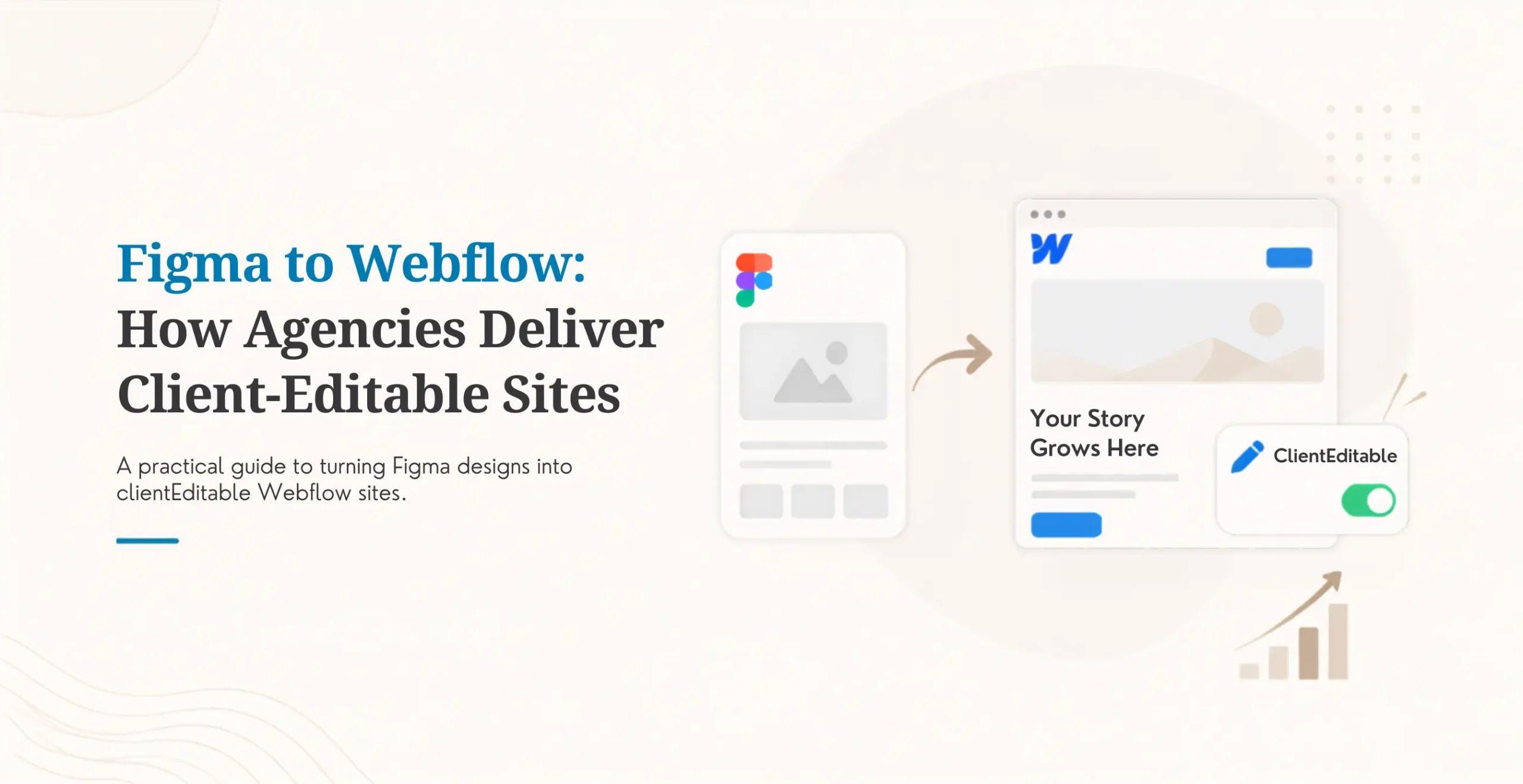
Design directly in Webflow: We do not design in Figma and rebuild in Webflow. That translation step introduces errors in responsive behavior and interaction timing. Designing natively in Webflow eliminates that gap and keeps the client preview accurate throughout.
AI and integration layer: Personalization tools, CRM connections, marketing automation, analytics, and CRO platforms. We configure each integration, document it fully, and train your team to manage it. The goal is a handoff where your team is genuinely self-sufficient.
QA, launch, and ongoing optimization: We run Lighthouse audits, cross-browser and device testing, and conversion flow verification before anything goes live. After launch, we offer ongoing retainers structured around performance data, not arbitrary monthly hours.
Numbers Worth Knowing: Performance and Conversion Data
Anyone can publish promises. Here is the kind of data a credible Webflow agency should be willing to put in front of you.
SaaS companies that migrate from WordPress to Webflow with proper asset optimization and CDN configuration typically see 30 to 50 percent faster page load times. Most of that gain comes from eliminating plugin bloat and render-blocking scripts.
Webflow sites built with clean CMS architecture and semantic markup consistently score higher on Largest Contentful Paint (LCP) and Cumulative Layout Shift (CLS) than sites built on drag-and-drop builders. Those scores directly affect organic rankings. (Source:Google Search Central)
In KrishaWeb’s work with a B2B SaaS client in the project management space, a full Webflow redesign combined with integrated CRO tooling produced a 42 percent increase in demo request conversions within 90 days of launch. Full details are available on the KrishaWeb case studies page.
Results like those do not happen by accident. They come from treating performance, conversion, and content strategy as one integrated problem rather than three separate workstreams that get stitched together at the end.
Before You Contact Any Agency: A Readiness Checklist
Going into agency conversations without preparation is how you end up with scopes that miss the point and timelines that never had a chance. Run through this list first.
I can clearly state the primary business goal for this website project (qualified leads, trial signups, brand credibility, etc.)
I know which pages currently drive the most organic traffic and have a list of URLs I cannot afford to lose in a migration
I have a realistic budget range in mind, even a rough one ($20K to $40K helps agencies scope accurately; “we’ll see” does not)
I know which integrations the site needs on day one: CRM, marketing automation, analytics, chat, etc.
I have two or three reference sites I genuinely admire and can explain specifically what I like about them
Internal stakeholders are aligned on the project goals before any agency kickoff meeting happens
I understand that a thorough Webflow build takes 8 to 16 weeks, and I am not expecting a 3-week turnaround on a complex site
Four or more checked? You are ready. Fewer than four? Spend a week working through the gaps before you start talking to agencies. The conversations will go better, and you will end up with a more accurate scope.
Webflow is genuinely well-suited for SaaS and professional services sites that need both marketer autonomy and developer-quality output. The platform delivers on that promise when implemented correctly.
AI-enhanced builds are not a marketing phrase. Personalization, automated performance tooling, and CRO integration are real capabilities with real implementation requirements. Make sure your agency can explain how they work, not just that they offer them.
The agency matters more than the platform. Webflow has a high ceiling. Most implementations do not reach it because the team did not have the migration experience, CMS architecture depth, or integration fluency to get there.
Migration is the most dangerous phase of any Webflow project. Protect your SEO equity with a documented URL audit and redirect plan before any new code gets written.
Structured content, accurate data, and demonstrated expertise earn visibility in AI overviews the same way they earn organic rankings. There are no shortcuts in either channel.
Conclusion
The number of agencies claiming Webflow expertise has grown faster than actual Webflow expertise has. That gap is not obvious until you are three months into a project, watching your timeline slip and your redirect plan fall apart.
The teams worth hiring share a few things: they have migrated complex sites without losing organic rankings, they integrate AI and CRO tooling as part of the build rather than as afterthoughts, and they can show you real performance and conversion data from real clients.
KrishaWeb Solutions has been doing this work across SaaS and professional services clients for years. If you are evaluating Webflowfor a new build, a migration, or an upgrade to an existing property, we are glad to give you a straight read on what your project actually needs before you commit to anything. Get in touch for a free Webflow strategy consultation. No proposal, no pitch deck. Just an honest conversation about whether Webflow is the right call and what a well-executed build would look like for your business.
Frequently Asked Questions
What do Webflow development services typically include?
A full-service engagement covers discovery and strategy, site architecture, responsive design in Webflow, CMS configuration, third-party integrations, QA testing, launch, and post-launch optimization. More advanced scopes add AI personalization layers, CRO platform integration, and ongoing performance retainers. What is notably absent from most proposals but should not be: a documented redirect plan and a post-launch handoff session that actually trains your team.
How much does it cost to hire a Webflow development company?
A complete Webflow build or migration for a SaaS or professional services company typically runs between $15,000 and $75,000, depending on scope complexity, integration requirements, and the number of custom CMS collections. Ongoing optimization retainers generally add $2,000 to $8,000 per month. Agencies quoting significantly below the lower end of that range are usually selling templated work, not custom architecture.
How long does a Webflow development project take?
A well-run custom Webflow build, including strategy, design, development, integration, and QA, takes 8 to 16 weeks. Migration projects often run longer, depending on the number of pages and the complexity of the existing URL structure. Compressing that timeline is possible when the client comes in prepared, but cutting corners on the QA or redirect phases almost always creates problems that cost more to fix than the time saved.
Can Webflow replace WordPress for a content-heavy SaaS site?
For most SaaS and B2B marketing sites, yes. Webflow’s CMS handles structured content collections, dynamic pages, and multi-author publishing well. Where it gets strained is very large content libraries running into the thousands of CMS items, and complex eCommerce requirements. If your site is primarily a marketing and lead generation engine with a blog and resource center attached, Webflow is often cleaner and faster than a well-maintained WordPress setup.
What makes KrishaWeb different from other Webflow developer agencies?
The short answer: we scope the whole problem, not just the build. That means AI personalization, CRM integration, and CRO tooling are part of the initial discovery conversation, not optional add-ons pitched after you have already signed. We design natively in Webflow rather than translating from Figma, which eliminates a category of errors that show up in responsive behavior and interaction timing. And every handoff includes documented integrations and a training session, so your team is genuinely self-sufficient after launch.
Nisarg Pandya
Project Manager
Experienced Project Manager and Scrum Master at KrishaWeb, delivers expertise in Scrum methodologies, Laravel, React.js, UX design, and project management, ensuring efficient project delivery and agile implementation.




 KrishaLabs
 KrishaStudio
 KrishaStore