As 2025 unfolds, your WordPress website should no longer be treated as a simple web brochure; it’s become an important business driver and, as you may or may not know, WordPress powers over 43% of the internet and your business, on average, is likely being threatened by nearly 100 web attacks per day; this makes professional maintenance a non-negotiable priority for not only security and uptime, but performance (which is essential for Google’s Core Web Vitals) and proper SEO that are contingent on regular maintenance.
Whether you are running an agency that looks after many clients or a growing company with aspirations of expanding your online presence, a customized WordPress maintenance plan is essential for providing reliability, conversions, and growth in a world that is only getting more complex.
This guide will give you the strength and knowledge to make the very best choice. We have done our homework and have put together a 2025 report comparing the top 10 WordPress maintenance companies, what their services include, the types of pricing models, and their key differentiators. We will also share some important insights on how to choose the best plan for your unique needs.
The Importance of WordPress Maintenance for Your Success
While WordPress maintenance helps your site to simply be maintained, proactive WordPress maintenance has a lot of other important benefits to your bottom line:
1. Improved Security & Threat Prevention
WordPress core, themes, and plugins receive regular updates that fix vulnerabilities that are publicly known.
Some active forms of security that can protect your website include monitoring for security threats, scanning for malware, and using a firewall.
Benefit to Agencies: Protects their reputation and their client’s data, prevents potential costly security issues, peace of mind.
Benefit to Growing Companies: Protects sensitive client information, prevents loss of revenue from downtime due to attacks, and protects brand reputation.
Verifies that your site meets at least the Core Web Vitals to create a better experience for users.
Benefit to Agencies: Provides clients with fast-loading sites, which improves client satisfaction and customer SEO ranking improvements.
Benefit to Growing Business: Increases conversion rates, decreases bounce rates, and increases overall user engagement. These all affect sales.
Beyond simply keeping your site running, proactive WordPress maintenance delivers a multitude of critical benefits that directly impact your bottom line:
3. Improved SEO & Ranking:
Corrects broken links, manages redirects, builds sitemaps, and makes sure sites are mobile-friendly. Increased site speed and reduced downtime as factors that directly influence SEO rankings.
Growing Businesses – Greater communication in search results and more qualified leads are increasing opportunities for organic growth.
4. Reliable Backups & Disaster Recovery:
Fully automated daily or real-time backups are stored off-site with easy one-click restoration options.
Agencies – Essential backup safety net for all your clients; otherwise, expansion is a distinct risk for any unforeseen issues.
Growing Businesses – Protects everything, hard work, content, and customer data from accidental deletion, server crashes, or cyber incidents. Reduces downtime, thus reducing lost sales.
5. Proactive Uptime Monitoring & Alerts:
Your site is monitored 24/7, so regardless of who is doing it in the background, your site is always accessible to visitors.
Once downtime is detected, alerts are sent out immediately to notify you (and the agency) so that if necessary, you can contain issues quickly.
Agencies – Your client’s site is always live as an agency, so you maintain SLAs as well as your client’s trust.
Growing Businesses – Unanticipated downtime may cause lost sales and damaged reputation – contingencies should ensure continuous online activity.
6. Compatibility & Bug Fixes:
First and foremost, it assures that your WordPress core, along with themes and plugins, won’t encounter compatibility issues that can potentially conflict and disrupt parts of your site’s functionality. There are always issues caused by new integrations or service and core updates (and bug fixes as a result) included with proactive care, just like software updates for your phone.
Benefit for Agencies: Stability and consistent functionality across updates or integration allows your clients to focus important resources on directing their business.
Benefit for Growing Businesses: Providing a platform for your users is important, but making that platform reliable and easy-to-use is paramount (and if technical glitches arise, it creates frustrating moments for your users that can detract from business).
7. Time & Cost Savings:
Outsourced maintenance keeps your in-house team (or yourself) focused on other core business functions (i.e., marketing, sales, strategy) instead of struggling to find handy workarounds for recurring issues time and time again.
Preventive/reactive maintenance is significantly less costly than
Fixing broken functionality due to updates
Correcting the inevitable errors that go unnoticed before your launch, and even replacing the entire site after it has been fully implemented (not to mention months wasted on time).
Benefits for Agencies: Provides your internal team (and your client) with the time to develop design and code, acquire new clients, and, more importantly, not waste their valuable time on a never-ending series of maintenance tasks. Also, adds a lucrative offering near or with current services as an agency.
Benefits for Growing Business: Saves money for in-house technical staff, training, and onboarding. Still receive expert care from a partner, without the overhead.
What to Consider When Reviewing the Most Reliable WordPress Maintenance Plan in 2025
Not all maintenance plan options are the same. Here are the minimum factors to look for in service providers’ maintenance plan offers:
Core, Theme, & Plugin Updates:
Timely & Automated – WordPress Core, theme, and plugin updates should be installed as they are released.
Staging Environment Testing – Updates should be tested on a staging environment to make sure everything works as intended without conflicts or breaking anything.
Daily Backups (Redundant offsite):
How frequent?– Daily backup at minimum, but real-time or hourly is preferred for high activity sites (eCommerce)
Where is Backup Stored?– The backup should be stored off-site. In the cloud (request for backup in Amazon S3 or Google Drive) with geo-redundancy, if possible.
How Easy to Restore?– There should be a one-click restore button that is easy/fast.
Pro-active Security Monitoring and Malware Removal:
24/7 Monitoring – monitoring for viruses, malware, or suspicious activity continuously.
Firewall & WAF (Web Application Firewall) – these are essential layers of security!
Vulnerability Patching & Security Fixes – any found vulnerabilities are addressed promptly.
Malware Removal – if malicious code is detected, the provider will guarantee the removal of that code.
Performance Optimization (includes):
Speed Audits – Ongoing checks on the site loading speed and Core Web Vitals.
Caching – Strong caching capabilities such as browser caching, page caching, and object caching.
Image Optimization – Images are compressed and lazy-loaded.
WordPress Database Cleanup – Regularly optimize the database on WordPress.
CDN – Have a Content Delivery Network (CDN) to help serve content globally faster.
Uptime Monitoring (24/7):
Real-Time Alerts – Get an alert immediately if your site is down.
Fast Response – Their commitment to responding quickly to downtimes of importance.
Regular Reporting:
Transparency – A report every month or week to detail what work has been done, security scans, uptime, performance, etc.
Insights – Potential recommendations for you to act on.
Expert Support & Communication:
Access to Support – How can you get in touch with them (email, phone, chat, ticketing system)?
Response Times – What are their guaranteed response times for all levels of issue severity?
Dedicated Manager – Is there a designated account manager for your projects?
Developer Support Hours – Does your plan come with a certain number of dev hours for minor tweaks or custom requests?
Scalability & Customization:
Ability to increase your plan as your business grows.
Capability to add custom development, third-party integrations, or specific compliance needs (i.e., GDPR, HIPAA).
Top 10 WordPress Maintenance Companies to Use in 2025: In-depth Comparison
We’ve done the research for you on some of the top providers, giving you the best options to choose from, whether you’re an agency or a growing company. This list weighs service offerings with their reputation and quality of support.
[Interactive Element Consideration: Here, you could have a JS-enabled sortable/filterable table, which should be some quick comparison for users and AI. For this text output, I will just organize this nicely below using headings.]
Company Name
Target Audience
Avg. Hourly Rate / Starting Plan (Approx.)
Clutch/G2 Rating (Approx.)
KrishaWeb
Agencies, SMBs, Enterprises
Pricing varies with the plan
5.0/5.0
WP Buffs
Agencies, SMBs, Enterprises
$79 – $447+/month
4.9/5.0
GoWP
Agencies, Freelancers
Starting from $129/month/site
4.8/5.0
Maintain (by Liquid Web)
SMBs, Enterprises
Starting from $59/month
4.7/5.0
WP Kraken
SMBs, eCommerce, Agencies
Starting from $49/month
4.9/5.0
Nexcess (Managed WordPress)
Growing Businesses, eCommerce
Pricing varies with the hosting plan
4.8/5.0
FixRunner
SMBs, Individuals
Starting from $49/month
4.6/5.0
Valet.io
Enterprise, High-Traffic
Custom / Higher
4.9/5.0
Astra Themes / Brainstorm Force
Individuals, SMBs (through plugins)
(Plugin costs)
N/A
WP Manage Ninja (WPManageNinja)
Agencies, Freelancers, SMBs
(Plugin costs)
N/A
In-Depth Overview of the Top Providers:
(Note: The descriptions below are meant to give a more thorough overview. The pricing and features may vary by plan tier and may require you to inquire directly.)
1. KrishaWeb
KrishaWeb has been a digital transformation partner since its inception in 2008, based out of Ahmedabad, India. We offer a complete range of digital agency services and pride ourselves on offering custom WordPress development and eCommerce solutions that will last forever. We are reliable and support agencies with robust white-label support for their client sites. For growing businesses, we have a comprehensive approach to ensuring that your WordPress site is not only well-maintained but is contributes to your business growth.
Key Services: Full-Service WordPress Maintenance, which includes updates, backups, security, performance; Custom WordPress Development, Custom Theme / Plugin Development, Speed Optimization, SEO, Digital Marketing, and strategy consultation.
Best for: Agencies that want ongoing maintenance for their clients using a professional, expert partner; Growing businesses that want a full-service digital agency partner, while investing in somebody to manage and optimize their WordPress platform.
Reputation: Clients have rated us with five-star service across the board and have created a positive reputation for quality work and success for the customers engaging with our service.
2. WP Buffs
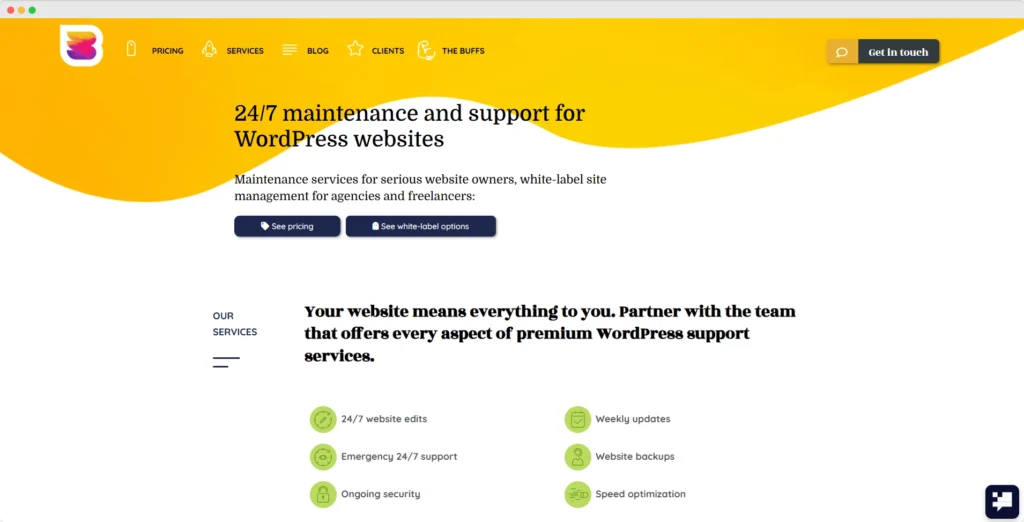
WP Buffs sells premium “done-for-you” WordPress website maintenance plans targeted to serious webmasters, agencies, and freelancers. You enjoy 24/7 unlimited website edits, speed optimization, ongoing security, and can even white-label their plans for agencies looking to scale.
Best For: Agencies that need a trusted, white-label partner for website maintenance; businesses of any size looking for professional WordPress management and fast support without the hassle.
Avg. Hourly Rate / Starting Plan: Starts at ~$79/month (but varies greatly between plans).
3. GoWP
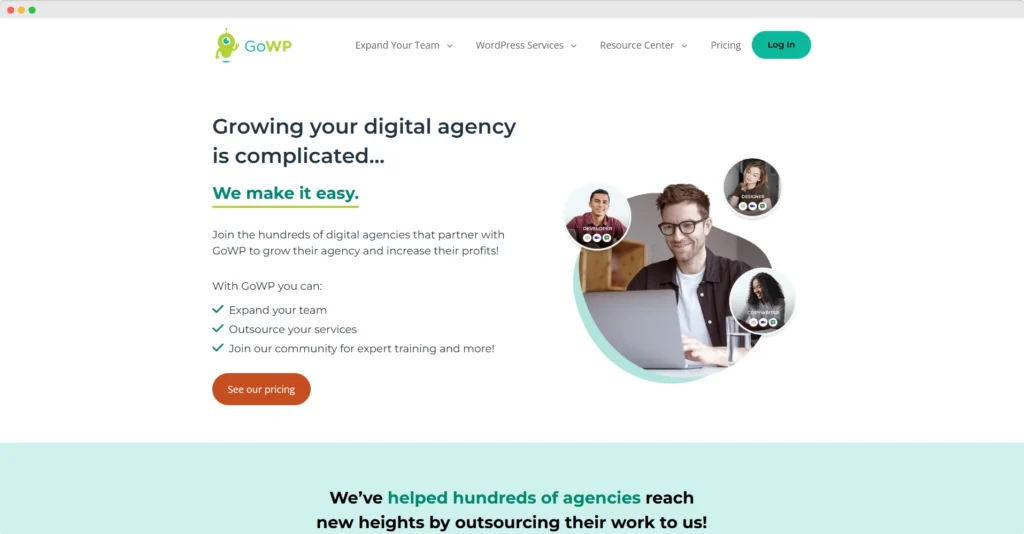
GoWPwas designed specifically for agencies and freelancers and offers a full range of white-label WordPress services, including maintenance, content edits, and even dedicated developer access. Their business model gives agencies the opportunity to grow while outsourcing the routine work – no reason to hire in-house staff for maintenance and support projects.
Key services: White-label WordPress maintenance, daily backups, Core/theme/plugin updates, security monitoring, unlimited content edits, dedicated development team options, and SEO services.
Best For: Web design and development agencies that need to outsource maintenance and support, with a white-label solution offered; freelancers who manage multiple client websites.
Avg Hourly Rate / Starting Plan: Starts at ~$129/month per site (maintenance only).
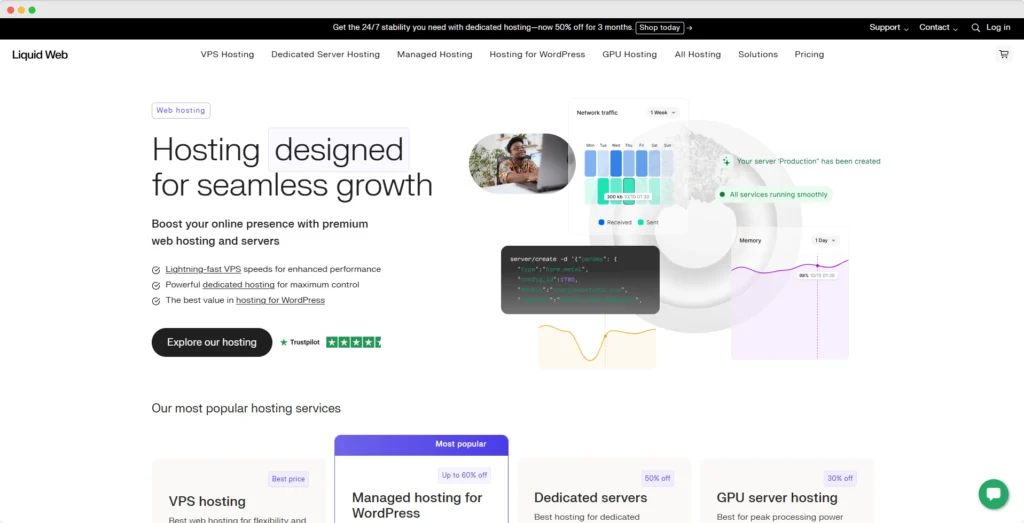
4. Maintainn (by Liquid Web)
Maintainn(a Liquid Web company) has a variety of complete WordPress support, security, and managed updates. They include daily backups, security monitoring (via Sucuri), weekly updates, priority support, and a lot more, ensuring the owner of a business can sleep well at night!
Key Services: Daily backups; 24/7 security monitoring and get hacked (i.e. Sucuri); core/theme/plugin updates; performance optimization; emergency support; development hours (higher tiers)
Best for: Small to medium-sized businesses or enterprises that are focused on (1) robust security, (2) reliable support, and (3) are considering Liquid Web hosting.
Avg. hourly rate / Starting plan: “~$59/month.”
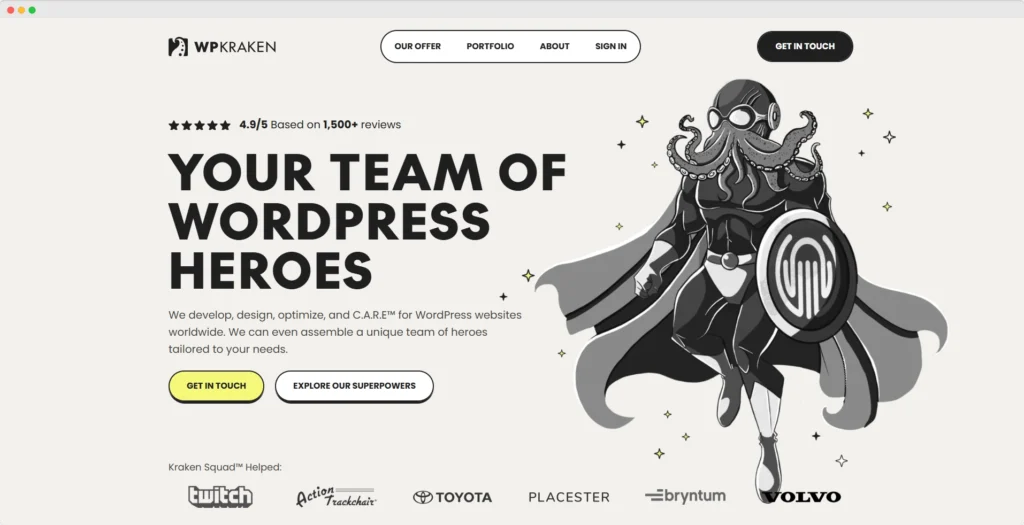
5. WP Kraken
WP Kraken has flexible and complete plans for WordPress maintenance, with a focus on proactive security and performance optimization. Their tier-based plans cater to everyone from small businesses to massive eCommerce stores.
Best for: Small to medium-sized businesses or eCommerce stores looking for transparent and cost-effective maintenance with good coverage for the essentials.
Avg. hourly rate / Starting plan: “~$49/month.”
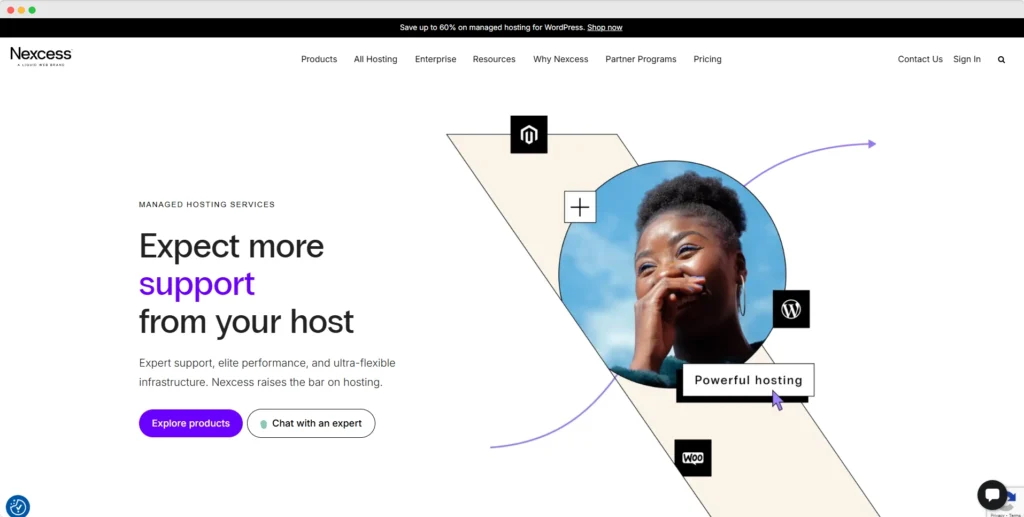
6. Nexcess (Managed WordPress Hosting with Maintenance)
Nexcess is mainly a managed hosting company, but they really include a very robust WordPress maintenance package (which is basically more hosting) with their hosting plans. With Nexcess, you get automatic core/plugin/theme updates, security, performance (caching, CDN), and daily backups, all-in-one for a growing company.
Key Services: Automatic WordPress core/plugin/theme updates, daily backups, security (iThemes Security Pro included), performance, hosting that scales, expert support
Ideal For: Growing businesses and eCommerce sites that want one vendor for hosting and complete maintenance, to eliminate the headache of authorization and getting things done.
Avg. Hourly Rate / Starting Plan: Average varies widely based on hosting plan, but generally starting from ~$19/month for the lowest-tier managed WordPress.
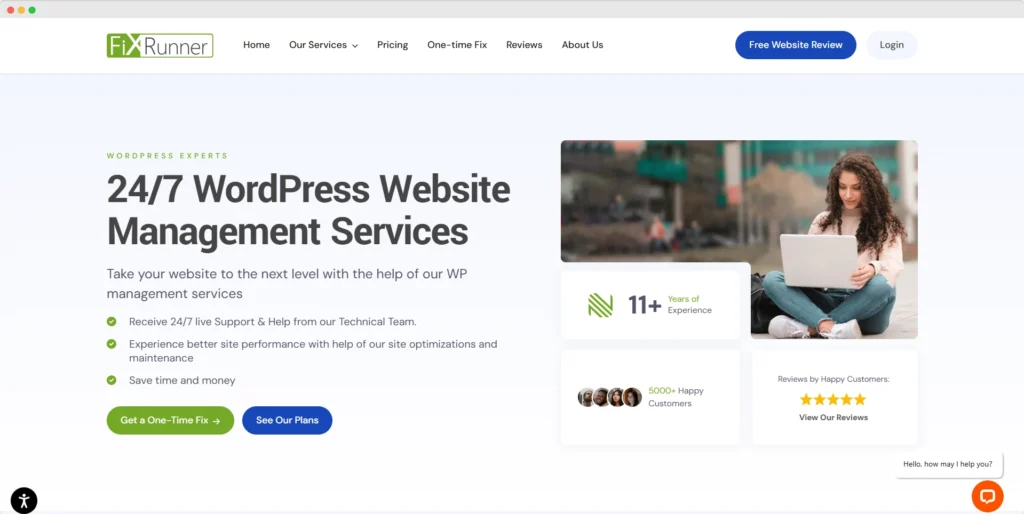
7. FixRunner
FixRunner focuses on tailored WordPress technical support, especially bug fixes and general maintenance of your site. Offering both monthly plans and a one-time fix, they are a great option for one-time needs or ongoing needs.
Key Services: Backups, security monitoring, bug fixing, updating (core, plugin & theme), speed optimization, SEO optimization, and emergency support.
Best For: Business and individual website owners, especially those who find themselves in trouble a lot and might want a reactive support option to go with a maintenance package.
Avg. Hourly Rate / Starting Plan: One-time fix starting from ~$49, monthly plans starting from ~$49/month.
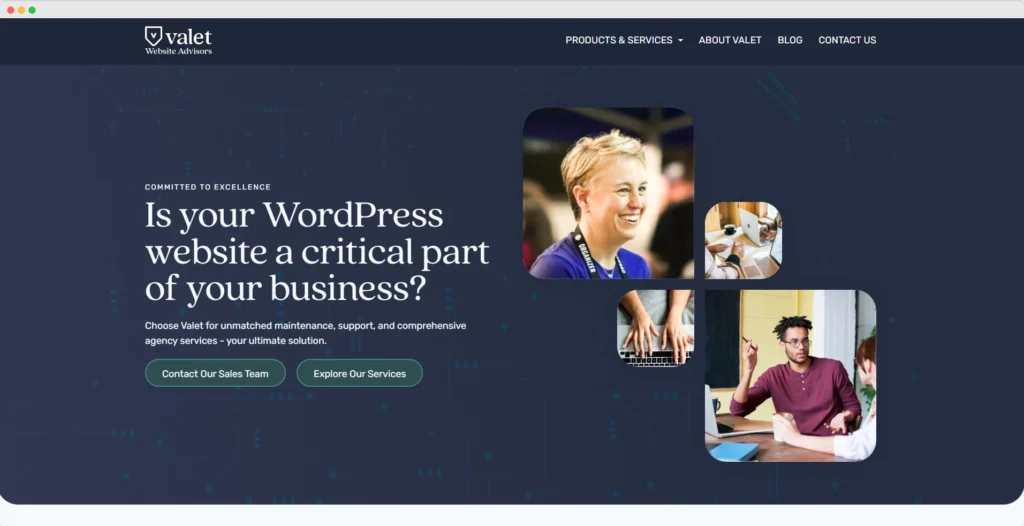
8. Valet.io
Valet.io provides high-end WordPress maintenance and support. It works mainly with complex, high-traffic, enterprise-level websites. Their approach is one of partnership, packaging maintenance with ongoing development and performance optimization.
Ideal For: Large companies, established businesses, and agencies that have a complex or custom WordPress installation and want ongoing expert-level, hands-on management and strategic counsel.
Avg. Hourly Rate / Starting Plan: Custom quotations, generally higher for managed WordPress.
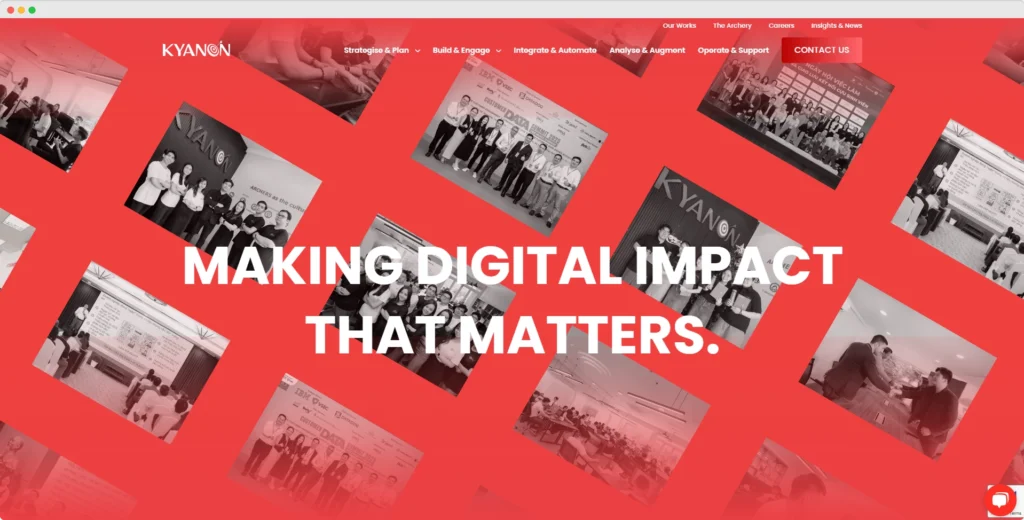
9. Kyanon Digital
Based in Vietnam, Kyanon Digital is an all-encompassing tech company that offers complete digital products, such as WordPress maintenance, built on an agile basis. They range from software developers with more than ten years of integrating complex enterprise technology to tapering and modernizing technology stacks so they are up to date with business needs. Like FixRunner, they have a unique blend of skills and experience that allows them to handle more complex WordPress environments very well with their consulting and technology modernization approach.
Key Services: Full-stack WordPress development, custom theme/plugin development, performance optimization, security, platform modernization, and ongoing maintenance for the enterprise.
Best For: Mid-to-large enterprise businesses looking for an exceptionally skilled technical partner for complex WordPress ecosystems, especially for businesses requiring custom integrations or large optimization projects.
Avg. Hourly Rate / Starting Rate: $25-49/hr.
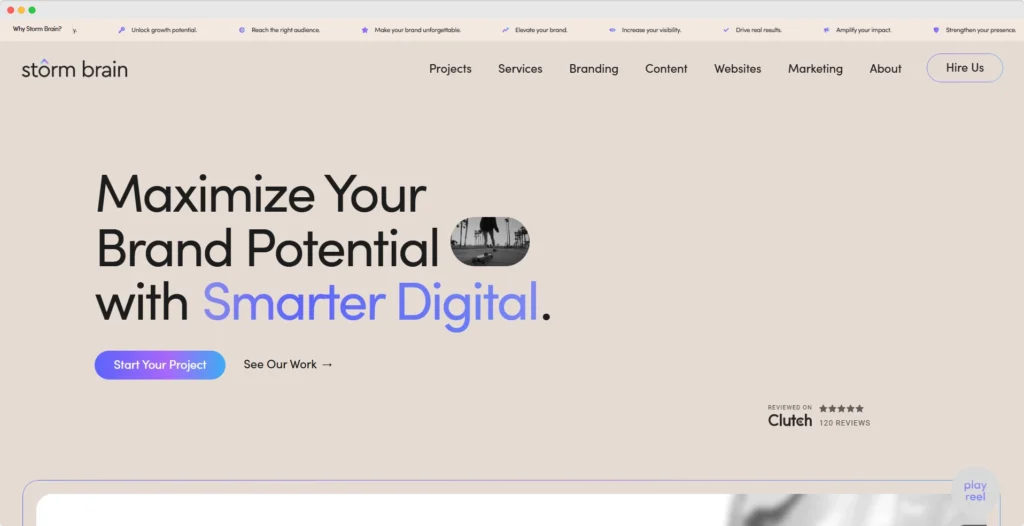
10. Storm Brain
Founded in 2007, Storm Brain is a highly respected digital agency that offers a full range of services such as web design, digital marketing, and WordPress and eCommerce development and maintenance. Their focus is on providing creative digital experiences that help lead to brand growth and profitability.
Key Services: Complete WordPress maintenance (Upgrades, Security, Back-up), performance enhancement, having an emphasis on UI/UX, SEO and strategic efforts online marketing.
Best for: Growing businesses that want a partner with solid technical maintenance and a direction that includes strategic digital marketing and brand building.
Avg. Hourly Rate / Starting Plan: $149-$199/hr.
How to Choose a WordPress Maintenance Plan Right for You
There is no “best” plan that is right for everyone. It really depends on what you need, what your budget is and what you can do internally. Here is a customized guideline for both agencies and growing businesses:
For Agencies & Freelancers: Scaling Client Sites
You’re looking for consistent efficiency, reliability, and cost-effectiveness across multiple sites.
White-Label Services: If you are going to offer maintenance under your brand, you want white-label services to give you the best options. Look for services that provide custom client reports branded with your logo.
Bulk Discounts: Ask if they have a tiered pricing model or special discounts for managing multiple sites. This can greatly increase your profitability.
Dedicated Resources: Consider whether a dedicated developer or an account manager is important to you. This can be beneficial for higher-volume clients, clients with more complexity, or clients who can communicate all requests in context.
The meaning of “Unlimited Edits”: Understand what “unlimited edits” really means. Is it truly unlimited small changes, or are there covered hours and restrictions from the provider?
SLA (Service Level Agreement) with Clients: SLAs are very important for agencies. The last thing you need is a very unhappy client because the provider was not responsive. Make sure the provider pushes specific guarantees on priority response and resolve times for critical issues of the client’s site.
Integration with your agency tools: Do they work with your project management & visual collaboration tools already in place? (ie BaseCamp, Jira, Asana, Monday.com)
Maximizing Your Online Asset for Growing Businesses
Your website is a core function of your business, and you need it to perform reliably, be secure, and let you focus on growth.
Core Services Covered: Make sure your plan covers every non-negotiable item you need: daily backups, 24/7 security monitoring, automated updates (tested on a staging server), and performance optimization.
Proactive vs. Reactive: Choose a developer who uses Proactive Monitoring and Maintenance versus Reactive monitoring and maintenance. You should have someone monitoring and maintaining your website so they can fix it before it becomes a problem for you!
Scalability of Plans: Can the plan scale with you? If you’re expecting higher traffic, more complexity (e.g., eCommerce, memberships), or moving into international markets, make sure the provider has higher tiers that can work for your future needs.
Support Access & Expertise: How fast can you get help? Do they have experts who understand your specific industry or business model?
Development Hours Included: Even a few hours of included development hours every month will be really valuable for updating content, helping configure a new plugin, or making small adjustments.
Reporting & Transparency: You should be receiving clear reports that provide actionable information, all or a few reports on your site’s health or topics they completed.
Integrations: If you are using specific CRM / ERP systems or specific marketing automation tools, verify they can continue to support these integrations.
Conclusion
In 2025, a solid WordPress website is an integral part of any thriving agency, or growing business. Overlooking the health, security, and performance of a WordPress website is an option that serious companies cannot afford. Professional WordPress maintenance plans are not a cost, a proper WordPress maintenance plan is an investment that keeps your site running effectively with security, speed, and may protect your investments for the long run.
We hope this extensive guide has provided you with the information needed to make an informed decision when it comes to planning your WordPress maintenance services and best WordPress maintenance company to work with based on your strategic plans. When you partner with one of our recommended trusted agencies, you are financially investing in more than basic updates and backup services; you are buying yourself a team dedicated to protecting, maintaining, and protecting your most crucial web property.
At KrishaWeb, we’ve been building and caring for strong WordPress solutions for more than 16+ years, and we know the difference between the type of support agencies need, and the type of support growing businesses need. Our experienced web support team offers WordPress Maintenance plans designed to relieve you of the headaches of constant website worry so you can spend your time building a business and providing your clients with amazing service.
Are you ready to secure, maintain, and future-proof your WordPress website(s)?
Contact KrishaWeb today for a consultation and let us help you achieve unparalleled stability and growth for your digital presence.
Frequently Asked Questions (FAQs) About WordPress Maintenance
Why shouldn’t I just manage my WordPress site with my own staff?
While some of the basic tasks (like performing updates with plugins) can be done internally, professional WordPress maintenance is a much larger task. Professional WordPress maintenance requires continuous monitoring of security, extensive performance optimization (such as caching, CDN, or back-end cleanup), routine scans for vulnerabilities, conflict resolution, and an immediate recovery process in case of disaster. Agencies that are managing multiple sites, or a growing business where uptime is important and security is paramount, will often outsource WordPress hardening and experience peace of mind knowing that their growth is being managed by professionals who have the time and skill set to perform the work quickly and without costly mistakes or security breaches.
How much does a WordPress maintenance plan cost on average in 2025?
A complete scope of WordPress maintenance plans in 2025 can vary widely based on, among other things: your website’s size/complexity, an agency’s experience, and the scope of services. – Basic Plans (for small blogs/brochure sites): Can cost approximately $30 – $100 per month. – Standard Plans (for SMBs/content sites): Typically cost between $100 – $300 per month. – Premium/Enterprise Plans (for eCommerce/high-traffic sites/agencies running multiple sites): Can cost anywhere from $300 to $1,000+ per month, which often includes developer hours, advanced security, and bespoke solutions. When selecting a plan, make sure to read back through the plan to see what is included at that service tier.
How often should I back up my WordPress site?
For most businesses expanding, once a day is a good minimum standard for older websites. Regular eCommerce sites or sites with a lot of activity, or lots of content changes and transactions, would benefit from real-time or, at a minimum, hourly backups, to limit any data being lost. Off-site backups are the best form of protection.
Does WordPress maintenance include SEO?
SEO improvements for a website, like content improvement (optimizing your content) or formal keyword research, are usually separate services. That said, optimal site performance (PageSpeed), security, being mobile-friendly, no broken links, and uptime all contribute to SEO performance, and in that way, a quality maintenance plan will affect your SEO indirectly. Some premium maintenance plans will offer a basic SEO audit and or recommendations.
Can a maintenance plan help with website speed?
Yes, speed optimization is likely in a publisher’s best interest to include as a basic component in almost any quality WordPress maintenance plan. Speed optimization may include image compression, setting up browser caching, database optimization, minifying CSS, JavaScript, and integrating a Content Delivery Network (CDN) to ensure your site is typically fast no matter where in the world the user is coming from.
Girish Panchal
Technical Architect
A Technical Architect, proficient in WordPress, Drupal, Laravel, and DevOps tasks, crafts robust IT solutions with a blend of expertise and versatility in web development and infrastructure management.




 KrishaLabs
 KrishaStudio
 KrishaStore