Traffic arrives. Ads run. Rankings improve. But revenue stalls.
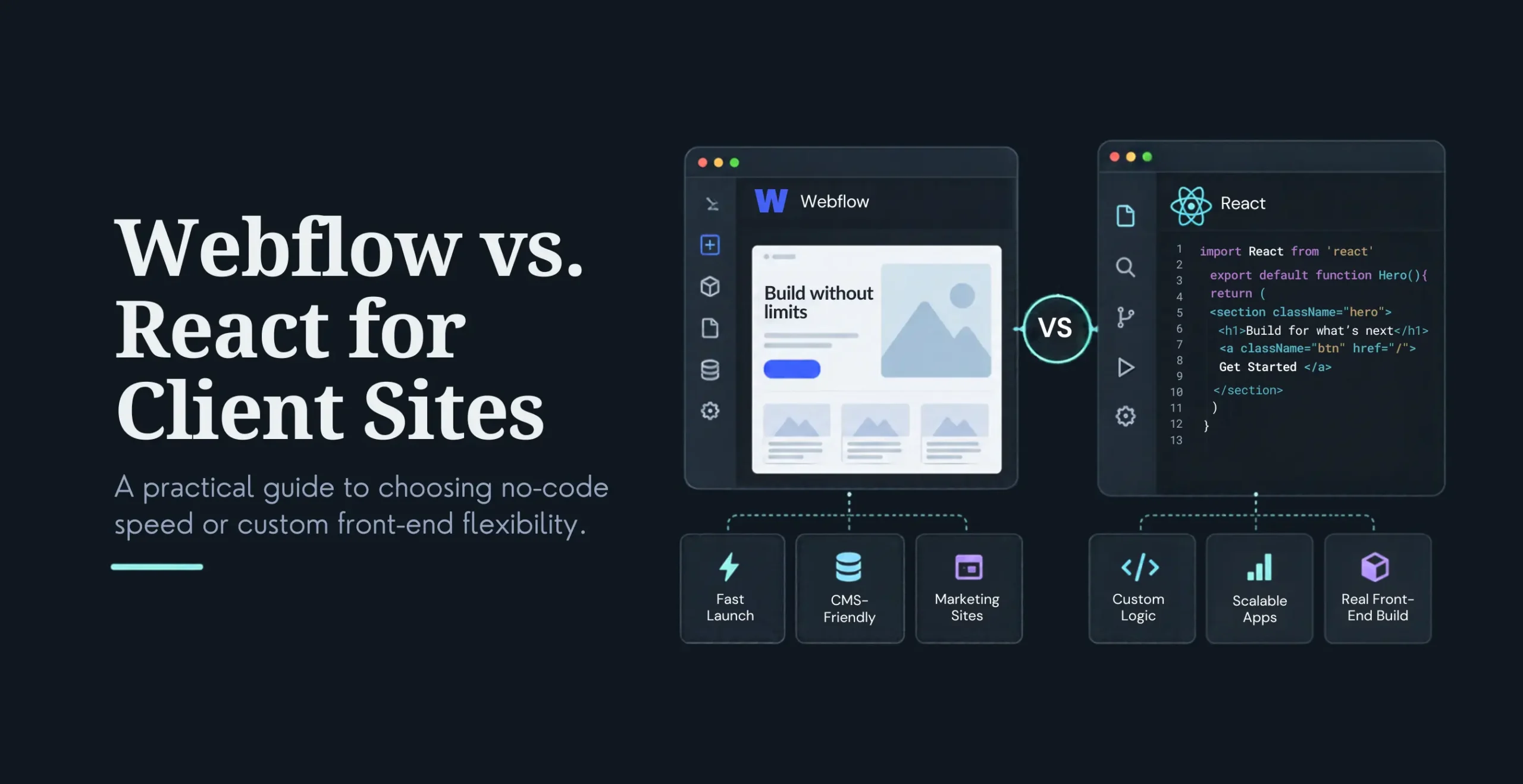
This is the exact moment when most leadership teams end up debating WordPress vs. Webflow vs. custom build, hoping the platform itself will solve conversion problems.
Here’s the truth backed by real performance data:
Platform choice accounts for ~22% of conversion variance. Execution drives the remaining 78%.
Yet choosing the wrong platform at the wrong growth stage can quietly cap conversions, inflate costs, and slow experimentation.
This guide breaks down the website platform comparison for 2026. Not from a tooling perspective, but from a revenue and buyer psychology lens—so you can choose the setup that actually delivers pipeline growth.
What Does Website Conversion Really Mean in 2026?
In 2026, instead of just tracking website conversions as an action (e.g., submitting a contact form), teams today understand that high-performing companies should consider the revenue impact of customers’ decisions rather than just the vanity metrics associated with website conversions.
Examples of revenue-related events include the following:
Demo Bookings
Trial Sign Ups
Quote Requests
Pricing Page Engagement
Scroll Depth on the solution pages
CTA Interactions
Returning Visits to Decision-Paging
Furthermore, search engines will continue to emphasise website conversion as a revenue event rather than as a vanity metric. Google will increasingly incorporate Core Web Vitals, customer intent, scroll depth, user experience, and user trust signals when ranking search results. Companies that provide seamless and efficient user journeys and strong credibility signals will consistently be more successful.
Website conversion is defined as a user event that inspires revenue, not simply as website conversion metrics. The technology that supports users’ buying decisions and momentum matters much more to companies than the platform on which it functions.
WordPress: Flexible + Scalable
With a market share of more than 43%, WordPress reigns supreme on the internet. It’s easy to see why; its ability to adapt without losing functionality makes it perfect for businesses with complicated sales funnels, continuously evolving offers, and multi-channel interaction paths.
WordPress Is Incredibly Effective at Converting Visitors Into Customers
WordPress is the best solution for businesses when conversion workflows go beyond a single form type. It offers a wide array of high-converting promotional tactics as follows:
Advanced qualification flows using Gravity Forms and OptinMonster
Multi-step conversion funnels that use employee size, product type, or pricing tier to qualify leads
A/B testing that does not require the assistance of a developer. For example, using Nelio A/B Testing
Content gating and monetisation through WooCommerce and MemberPress
Deep integration with customer relationship management (CRM) platforms such as HubSpot and Salesforce, as well as various marketing automation tools
In practice, WordPress is significantly more successful than Webflow for businesses that utilise B2B (business-to-business) and SaaS (software as a service) conversion funnels that use logic, segmentation, and learning.
The reality is that WordPress is best suited to businesses with complex conversion workflows. Conversely, if a business is satisfied with a simple conversion process, Webflow is likely to be a better choice.
The Choice Between Webflow and WordPress
As previously mentioned, WordPress can be challenging because developers can easily lose sight of the development process due to plugin conflicts, bloated themes, and poor hosting. Although it has made great strides to improve performance through modern hosting, performance tooling, and optimisations such as caching, asset control, and improved Core Web Vitals performance, it has reached a point where WordPress can provide enterprise-level performance on a consistent basis.
Webflow is known for producing clean code that helps you design your website more visually while maintaining consistent performance. Most Webflow sites will load between 1.6 seconds and 2.9 seconds right out of the box, without any additional optimisation.
Webflow is an excellent platform for creating:
High-impact landing pages
Scroll-triggered animations that attract visitors’ attention
Clean and distraction-free lead capture pages
Rapid iteration cycles for marketing teams
Global CDN delivery for optimal mobile performance
Overall, Webflow is an excellent choice for creating SaaS landing pages and agency- and marketing-based microsites, thanks to the speed and polish it delivers with minimal overhead.
Understanding the Upper Limits of Custom Development
The more application logic a client has to qualify, the more likely friction is to occur. As organisations grow in scope and complexity, the need for a complex pricing logic, a gated content ecosystem, and a personalised/member-like journey requires either custom-coded solutions or a workaround using third-party solutions. The lock-in effect of a lock-in to an application platform can become an impediment to the organisation as it grows.
Best fit for: The best-fit use cases for custom-built websites include 10-20 page marketing sites, early-stage SaaS (Software as a Service), and brand-first.
Control vs. Responsibility
Developing a custom solution enables users to achieve things that are not possible with a CMS. A modern technology stack, such as Next.js, using a headless CMS, allows a custom solution to provide:
Load times of sub one second
Personalization-driven journeys
Dynamic price calculators
Real-time A/B testing
Logged-in state optimisation
Personalised Example: “Welcome Back, Sarah. You Reviewed the Pricing Page Yesterday…Would You Like to See a Custom Demo?”
The level of personalisation that a dedicated custom solution can offer significantly increases conversion rates.
Costs of Control
There are many advantages to having full control over your custom solution; however, with these advantages come responsibilities. When you make the choice to develop a custom solution, you will likely encounter:
An upfront cost of $350,000+
4-6 months of development time
Dependency on a development resource for ongoing support
Higher complexity in your operational processes
Bottom line or Blunt truth: The only time a custom solution makes financial sense as a strategy for a competitive moat is when annual revenue levels exceed $25-30M.
WordPress vs Webflow vs Custom Build – Conversion Comparison Table
Platform
WordPress
Webflow
Custom
Conversion Flexibility
★★★★★ (50+ CRO tools)
★★★☆☆
★★★★★ (infinite logic)
SEO Capabilities
★★★★★ (Schema + SEO control)
★★★★☆
★★★★★
Performance & Speed
★★★★☆ (optimized)
★★★★★ (1.8s avg)
★★★★★ (0.9s avg)
Scalability
★★★★★
★★★☆☆
★★★★★
Cost of Ownership(3 yrs)
~$80K
~$55K
$500K+
Best For
B2B, SaaS, content-heavy
Marketing sites, MVPs
Enterprise only
CRO Capabilities among Platforms
With regard to the velocity of conversion optimisation, there is a large disparity between platforms.
There is an extensive array of plugins available for WordPress to help optimise your conversion rates, with features such as testing, heat maps, segmentation and personalisation.
Webflow requires third-party tools and/or a JavaScript overlay to perform experimentation.
Custom-built implementations can support native experimentation, but will require development resources for each change.
CRO EFFICIENCY RANKING:
WordPress
Webflow
Custom
The interoperability of structured data through WordPress to enhance search visibility through the use of AI, specifically, is extremely high due to the vast amount of resources being available.
The relationship between cost and revenue return on investment exists optimally through the best-performing platform for converted customers.
To illustrate results:
WordPress earned ~$82,000 over a 3 year period, yielding a ~47% lift in conversion rate.
Webflow earned ~$58,000 over a 3 year period, yielding a ~32% lift in conversion rate.
Custom earned ~$580,000 over a 3 year period, yielding a ~72% lift in conversion rate.
Final Conclusion Regarding ROI: For the majority of developing organisations with intricate sales funnels, WordPress has demonstrated the maximum ROI for this purpose.
Conversion Rate Optimisation Capabilities by Platform
With regard to the velocity of conversion optimisation, there is a large disparity between platforms.
There is an extensive array of plugins available for WordPress to help optimise your conversion rates, with features such as testing, heat maps, segmentation and personalisation.
Webflow requires third-party tools and/or a JavaScript overlay to perform experimentation.
Custom-built implementations can support native experimentation, but will require development resources for each change.
CRO flexibility ranking:
WordPress
Custom
Webflow
SEO + AI Search Readiness Comparison
Metric
WordPress
Webflow
Custom
Indexing Speed
★★★★★
★★★★☆
★★★★☆
Core Web Vitals
A- (optimized)
A
A+
Schema Flexibility
★★★★★
★★★☆☆
★★★★★
AI Overview Compatibility
★★★★★ (structured data)
★★★★☆
★★★★★
The interoperability of structured data through WordPress to enhance search visibility through the use of AI, specifically, is extremely high due to the vast amounts of resources being available.
Cost vs ROI -Which Platform Converts Profitably?
The relationship between cost and revenue return on investment exists optimally through the best-performing platform for converted customers.
To illustrate results:
WordPress earned ~$82,000 over a 3 year period, yielding a ~47% lift in conversion rate.
Webflow earned ~$58,000 over a 3 year period, yielding a ~32% lift in conversion rate.
Custom earned ~$580,000 over a 3 year period, yielding a ~72% lift in conversion rate.
Final Conclusion Regarding ROI: For the majority of developing organisations with intricate sales funnels, WordPress has demonstrated the maximum ROI for this purpose.
Here’s How to Select the Right Platform Depending on Your Type of Business
1. Startups & MVP’s = Use WebFlow to get your product out quickly and iterate upon it (up until approximately $5,000,000 ARR).
2. SaaS & B2B Companies = Use WordPress to manage more complex pricing structures and CRM workflows with scalable content management (tested up to approximately $50,000,000 ARR).
3. Enterprise & High-Traffic Sites = The best options are Headless WordPress or a custom-built solution. Many of the biggest publishers use WordPress to support large-scale operations.
4. Brands with a lot of Content = WordPress is the superior platform for publishing capabilities, SEO depth, and building authority with online content.
Common Mistakes That Kill Conversions (Regardless of Platform)
Having multiple competing CTAs on the fold content.
Layout shifts occurring on mobile layouts (minimum CLS rating of .1).
Lack of Pricing Personalisation.
Plugins Overload (with WordPress).
Over Animation on Animated Interfaces (with WebFlow).
Choosing the wrong platform will not fix/solve a broken funnel.
Which website platform converts better: WordPress, Webflow, or Custom Build?
WordPress converts best for B2B and content-driven businesses (47% lift), Webflow performs well for marketing-focused sites (32% lift), and custom builds deliver the highest conversion potential for enterprises where personalisation is mission-critical (72% lift).
Conclusion: Platform Choice Is Strategy, Not Tactics
The tools used to convert do not solely determine the level of success; thus:
Funnel Design accounts for 68% of the total conversion success
The Platform Selection makes up 22% of the final success
Speed Optimisation accounts for the final 10%
When a team focuses solely on improving their website’s page-load speeds or marginally improving their time-to-action, they often overlook providing the most accurate, clear message to their target audience. These teams also fail to align with their buyers’ intent, creating friction in the conversion process and negatively affecting conversion success.
At KrishaWeb, we combine technology and revenue to determine our customers’ success. As a result, our customers can continuously grow their sales pipeline by completing our structured approach. To book your conversion roadmap, contact: [email protected]
Frequently Asked Questions
Is WordPress or Webflow better for SEO?
WordPress excels at structured data and depth of content. Webflow delivers speed and clean code. The better option depends on content complexity.
Are custom-built websites better for conversions?
Yes, but only when personalisation drives competitive advantage. For most businesses, WordPress achieves ~90% of the benefit at a fraction of the cost.
It performs well for limited-page sites. WordPress and custom stacks scale further.
Is custom development worth it?
Only when the conversion logic itself is the product advantage.
Girish Panchal
Technical Architect
A Technical Architect, proficient in WordPress, Drupal, Laravel, and DevOps tasks, crafts robust IT solutions with a blend of expertise and versatility in web development and infrastructure management.




 KrishaLabs
 KrishaStudio
 KrishaStore