The design is approved. The client is thrilled and expects development to start tomorrow. And your front-end team is already buried in two other builds.
This is the moment agencies quietly lose time and margin. A polished Figma file is not a finished website. Someone still has to turn it into responsive layouts, reusable components, CMS structures, accessible interactions, tested forms, and clean production code. That translation stage, from beautiful design to working front end, is where launch dates slip and account managers start chasing developers.
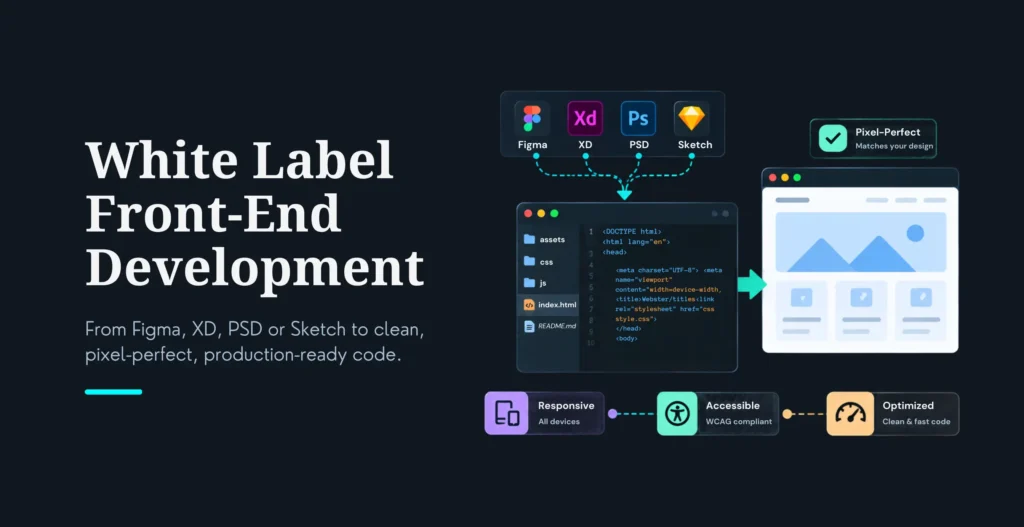
White label front-end development solves it by adding implementation capacity without adding headcount. You keep the client relationship, the design direction, and the brand. A partner turns the approved designs into production code behind the scenes, under your name.
White label front-end development is when an external development team converts an agency’s designs and requirements into production-ready front-end code under the agency’s brand. The agency manages the client relationship, while the partner handles implementation, testing, and technical delivery.
If your design output regularly outpaces your development capacity, this is how you close the gap without hiring. It pairs naturally with white label web development for full-stack needs.
Key highlights
White label front-end development adds implementation capacity without adding headcount. A partner turns your approved Figma designs into production-ready code behind the scenes, while you keep the client relationship, design direction, and brand.
A finished Figma file is not a finished website. Production code still has to handle responsive behavior, every interaction state, accessibility, CMS content, forms, performance, and browser compatibility, and that gap is where launch dates slip.
A good build goes beyond pixel-perfect. It keeps working when content length, screen sizes, and user behavior change.
AI speeds up front-end work, but its output needs review. Veracode’s 2026 report found roughly 44% of AI code-generation tasks introduced a known vulnerability, and cross-site scripting passed only 15% of the time. That research covers AI code in general, not front-end work specifically, so a professional team adds human review, dependency checks, and accessibility and security testing.
You can stay invisible to your client with an NDA, no direct client contact, agency-controlled communication, neutral staging, and clear source-code ownership. Pricing is project-based, per template, sprint-based, or a monthly retainer, with no “48-hour conversion” promises.
Table Of Contents
Table Of Contents
Why Figma-to-Code Projects Become Delivery Bottlenecks
Front-end implementation is far more than copying visual styles out of a design file. A faithful, production-ready build has to handle responsive behavior across every breakpoint, component and design-system decisions, typography and font loading, and every interaction state (hover, focus, loading, empty, error, disabled). It has to account for CMS and dynamic content, forms and validation, accessibility, browser compatibility, performance, analytics and third-party scripts, SEO-friendly markup, and backend or CMS integration, and then survive QA and launch.
Here is the gap in one example. A desktop hero section looks trivial in Figma. The production version still needs rules for how it stacks on mobile, what happens with a headline twice as long as the mockup, what shows when an image is missing, how it reads in another language, how it behaves under keyboard focus, how it loads on a slow connection, and what happens when a content editor rewrites the text next month. None of that is in the Figma frame. All of it is the developer’s job.
That is why the cheapest available developer is rarely the real bargain. The value is in a partner who turns design intent into an interface that keeps working when content, devices, and users change.
What a White Label Front-End Development Partner Delivers
Design interpretation: Figma review, a design-system audit, component identification, responsive-behavior mapping, and interaction-state review, with questions and assumptions documented before any code is written.
Front-end implementation: Semantic HTML, a clean CSS architecture, implementation in React, Next.js, Vue, or platform-native code, reusable components, responsive layouts, animations and interactions, forms and validation, and CMS-connected templates.
QA and launch preparation: Browser and device testing, responsive testing, accessibility checks, performance testing, form and integration testing, SEO validation, staging review, deployment support, and documented handover.
One important point on scope: deliverables should be agreed before work begins. A good partner does not assume “Figma to code” silently includes copywriting, backend development, CMS content entry, animation, testing, or post-launch maintenance. Those belong in the scope explicitly, so nobody is surprised.
When Should an Agency Use a White Label Front-End Partner?
It’s the right fit when your design team has more approved work than your developers can implement, when you sell websites regularly but do not want a large permanent engineering team, when a project needs React, Next.js, Webflow, or headless expertise you do not have in-house, when your developer is tied up on a product launch, when you need to hit a client deadline without cutting QA, when you want to offer development without becoming a full engineering company, when you need design systems turned into reusable production components, or when several smaller builds need to move in parallel.
It’s not the right fit when requirements are still changing daily, when nobody at the agency owns client feedback or technical decisions, when the client insists on direct contact with every developer, when the project touches sensitive systems but there is no NDA or access-control process, or when the agency expects unlimited revisions with no defined scope. Naming these honestly saves everyone a bad engagement.
How Does the White Label Front-End Process Work?
Step 1: Share the brief and design files
You provide the Figma link and permissions, a sitemap or page inventory, brand guidelines, content status, the target platform, required integrations, browser and device requirements, the launch deadline, and any existing repository access. Output: brief review, assumptions, questions, and an initial estimate.
Step 2: Review the designs for implementation risk
The partner checks for missing mobile layouts, inconsistent spacing or type styles, missing interactive states, unclear component behavior, design-system gaps, third-party dependencies, and CMS or dynamic-content needs. Output: design-to-development notes and a risk register.
Step 3: Confirm architecture and component plan
Component structure, naming conventions, CSS approach, state management, CMS model, routing, data fetching, image and font strategy, and testing approach are all agreed. Output: technical plan and agreed delivery scope.
Step 4: Build the first representative page
Start with a page that stress-tests the design system, responsive behavior, typography, and component reuse. Output: a working staging page for internal review.
Step 5: Develop in milestones
Build by page groups or components, not as one unstructured push. Output: regular staging releases, progress notes, and issue tracking.
Step 6: Agency review and client presentation
The partner sends every build to you first. You review it, consolidate feedback, and present it to your client under your own brand. Output: a consolidated revision list and a client-ready build.
Step 7: QA and launch
Test devices, browsers, keyboard navigation, forms, links, integrations, performance, SEO, and analytics. Output: a QA report, a launch checklist, and handover documents.
Pixel-Perfect Is Not Enough
Matching a screenshot at one desktop width is easy. Building an interface that holds up across real content and real devices is the actual job, and the two are not the same thing.
A strong implementation preserves the things the designer intended: visual hierarchy, brand typography, spacing rhythm, component relationships, interaction intent, and responsive behavior. And it protects or improves the things a static frame cannot show: accessibility, loading performance, semantic markup, maintainability, reusability, CMS flexibility, and SEO.
The rule we build to: the goal is not to reproduce one static frame. It is to turn the design system into a dependable interface that keeps working when content, screen sizes, and user behavior change.
Where AI Helps With Front-End Development
Used well, AI genuinely speeds up front-end work. It can scaffold components, turn repetitive patterns into reusable ones, draft test cases, suggest CSS or responsive rules, explain unfamiliar code, refactor duplication, draft documentation, and accelerate design-to-code exploration. It is an accelerator, not a replacement for front-end architecture.
Where AI-Generated Front-End Code Often Goes Wrong
Left unchecked, AI-generated front-end code tends to produce the same recurring problems: duplicate components with slightly different styles, excessive inline CSS, inconsistent spacing and typography, unnecessary dependencies, poor responsive behavior, missing keyboard and screen-reader support, client-side secrets, unsafe HTML rendering, too much JavaScript, unoptimized images, hydration errors in React or Next.js, wrong assumptions about CMS data, and components that only work with the sample content. And often, no clear ownership of the generated code.
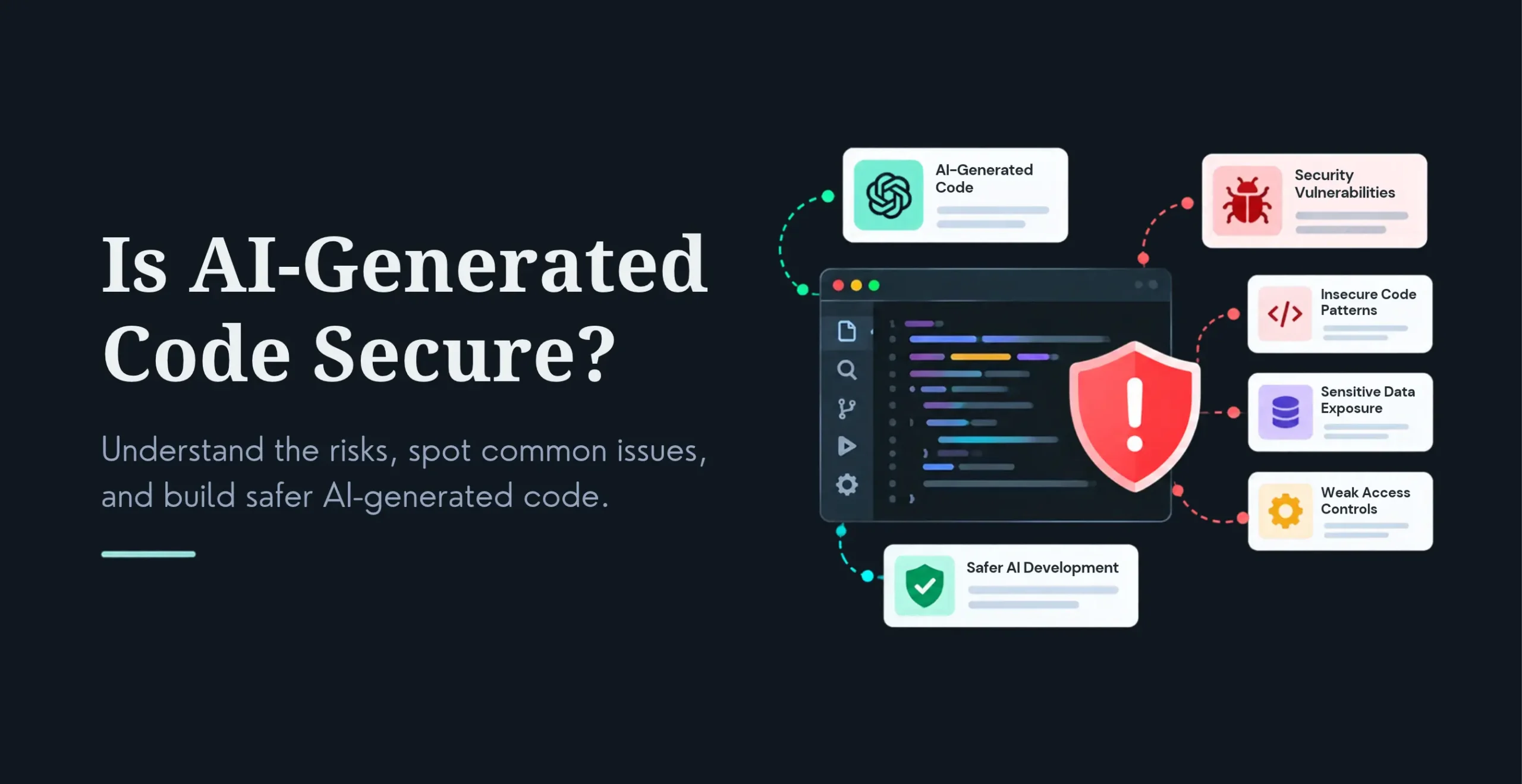
The security dimension is real and worth stating carefully. In Veracode’s 2026 GenAI Code Security Report, roughly 44% of code-generation tasks introduced a known vulnerability, and cross-site scripting, the class most relevant to front-end code and unsafe HTML rendering, passed only 15% of the time. IOActive’s 2026 whitepaper found authentication, rate limiting, and cryptography failing across nearly all models, and authentication code with embedded secrets. That research covers AI-generated code in general, not front-end work specifically, and Veracode’s tests ran against raw models with no human review, but the lesson transfers: AI output has to be reviewed, not trusted.
How a Professional Team Controls AI-Assisted Development
The controls are straightforward and non-negotiable: human review of all generated code, an approved set of AI tools, no sensitive client data in prompts, enforced component and naming standards, dependency review, static analysis, secret scanning, accessibility testing, browser testing, performance checks, pull-request review, and documented handover. That is the difference between AI that speeds you up and AI that quietly creates technical debt. It is the same discipline behind our white label vibe coding services.
What Should Be Checked Before the Client Sees the Build
Area
What to check
Responsive behavior
Layout works across agreed breakpoints and real content lengths
Design fidelity
Typography, spacing, colors, icons, and component states match approved designs
Accessibility
Keyboard navigation, focus states, labels, contrast, semantic HTML
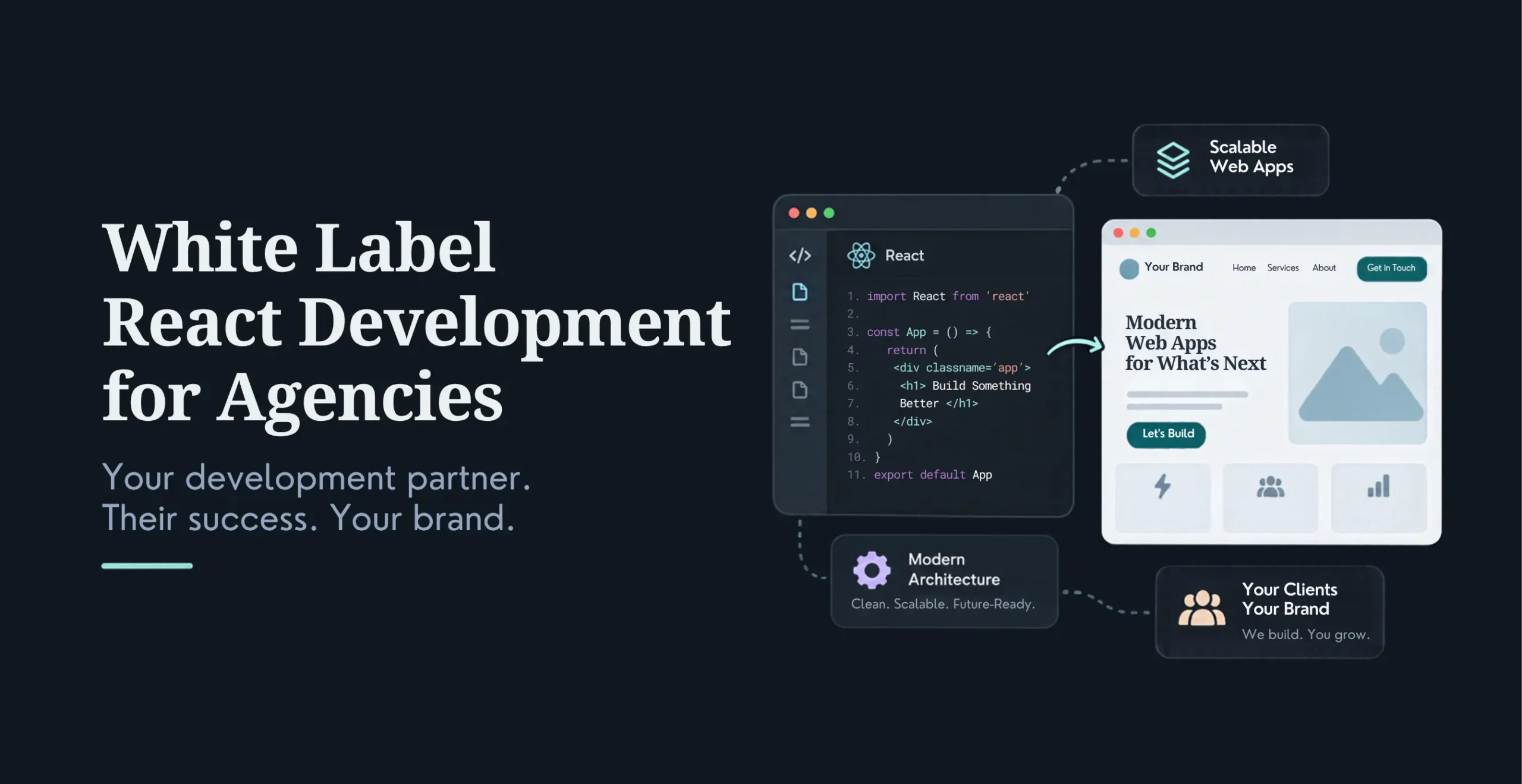
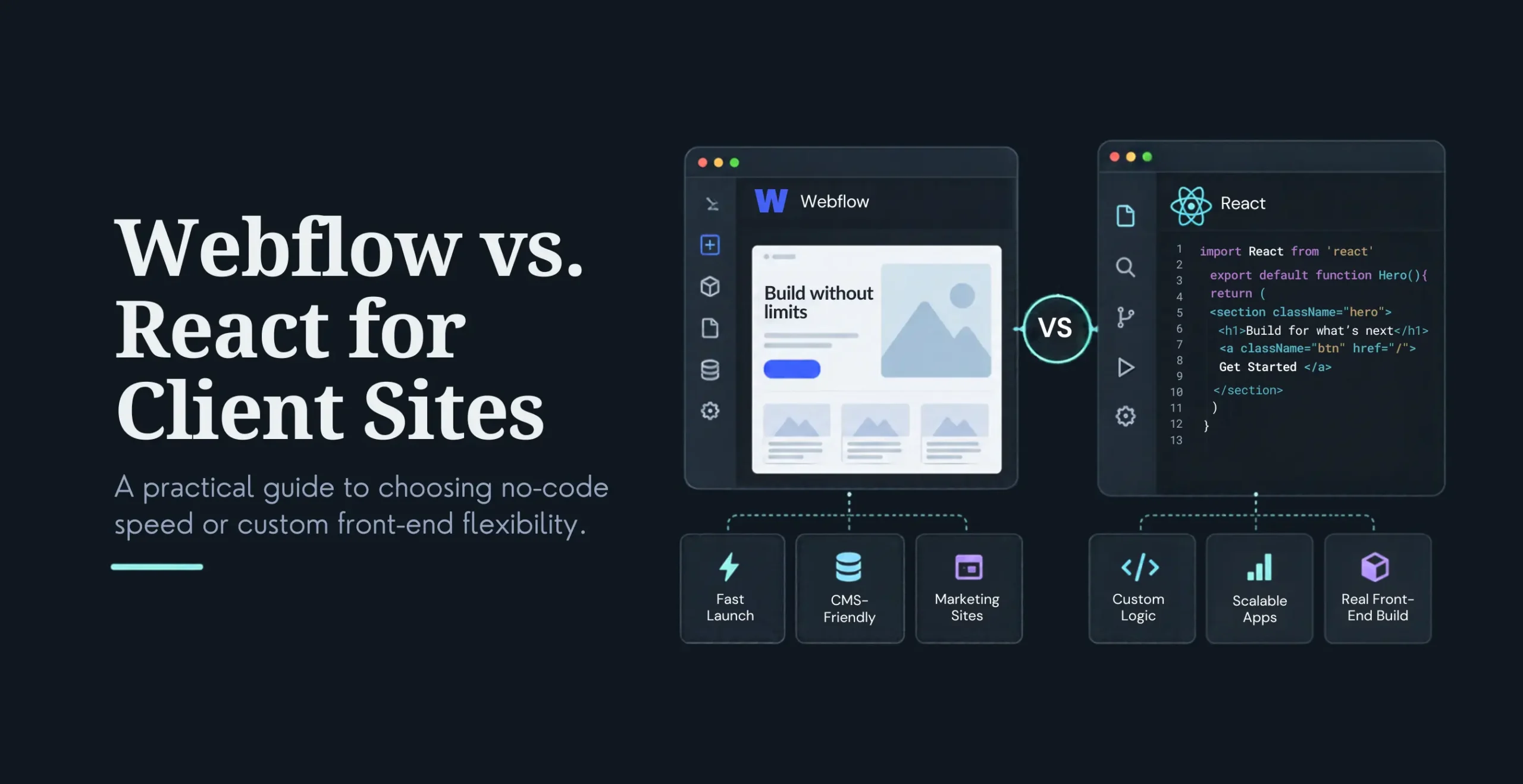
React and Next.js suit SaaS products, interactive dashboards, product-led websites, headless CMS builds, and custom front ends, with reusable components, server rendering where it helps, API integration, component testing, and strong performance and SEO. See our ReactJS development services.
Webflow suits marketing websites, CMS-driven pages, teams that want visual editing, and fast publishing workflows. Custom code or a headless approach comes in when the design outgrows the platform. See our Webflow development services.
WordPress suits content-rich websites, editorial teams, existing WordPress ecosystems, and custom themes and blocks, with attention to theme and plugin compatibility, performance, security, and CMS governance. See our WordPress development services.
Vue or other frameworks suit existing applications already built on them, client teams with that expertise, or specific product requirements.
Requirement
Likely fit
Marketing team needs visual editing
Webflow or WordPress
Complex interactive product
React or Next.js
SEO-heavy product website
Next.js or an optimized CMS
Existing WordPress content ecosystem
WordPress
Headless content delivery
React/Next.js with a CMS
Fast campaign landing pages
Webflow, WordPress, or React depending on workflow
How White Label Front-End Development Improves Agency Throughput
The throughput gain is real, and it comes from structure, not shortcuts: parallel implementation of multiple page groups, a repeatable design-to-code workflow, reusable component libraries, standard QA checklists, less context-switching for your internal team, less time chasing developer availability, and better forecasting for launch schedules.
You can plan capacity based on the number of design screens, unique components, and templates, the CMS complexity, the number of integrations, the responsive and animation requirements, the QA depth, and the client review cycles. A simple way to frame the estimate:
Estimated front-end effort = base templates + unique components + integrations + responsive states + QA and revision allowance.
We do not promise “designs converted in 48 hours.” The stronger, more honest promise is predictable, transparent delivery you can plan a launch around.
How White Label Front-End Development Is Priced
Fixed project fee, best when designs are approved, scope is known, and the launch date is defined. Per-page or per-template pricing, best when the design system is established, pages are similar in complexity, and you want predictable resale pricing. Sprint-based pricing, best when the project will evolve, the backlog is prioritized, and you want regular staging releases. Monthly capacity or retainer, best when you have recurring front-end work, need a reliable overflow partner, or include maintenance and enhancements. If you would rather have a dedicated developer, see hire a front-end developer.
Cost is driven by the number of templates, unique components, animations, CMS integration, JavaScript complexity, accessibility requirements, performance targets, existing codebase quality, testing scope, content migration, and launch support. For the full commercial picture, see white label web development.
How Agencies Keep White Label Front-End Work Under Their Brand
Confidentiality is the foundation: an NDA before any client information is shared, no partner branding in code, reports, staging, or communications, agency-owned repositories where appropriate, all client communication through the agency, clear IP and source-code ownership, non-solicitation terms, neutral staging environments, agency-controlled client review, secure access management, and a clean handover at completion.
Questions to Ask Before Choosing a White Label Front-End Partner
Ask to see live production work built from Figma designs, not just screenshots. Ask which frameworks and platforms they support, how they handle responsive behavior when designs are incomplete, who reviews the code before delivery, and how they test accessibility and performance. Ask specifically how they prevent AI-generated code from creating structural or security issues. Confirm whether the work is built in your repository, who owns the source code and reusable components, what the revision policy includes, how feedback is managed, and what happens after launch. And ask whether you can start with a paid pilot, what communication overlap to expect, whether they will ever contact your client, and how they handle confidential designs and credentials.
Red flags: only screenshots and no live work, no explanation of component architecture, no QA checklist, no accessibility or performance discussion, an unclear AI-use policy, unclear IP terms, no staging environment, an unlimited promise of speed, and no backup capacity if the assigned developer becomes unavailable.
We turn approved Figma designs and design systems into production front-end code across React, Next.js, Webflow, WordPress, and other supported technologies, building responsive, reusable components, delivering on staging, and running QA before anything reaches your client. Every engagement is NDA-backed, with clear source-code ownership and handover terms, and we work project-based, in sprints, or as ongoing capacity, depending on your pipeline.
The division of labor is simple: you manage the client, the creative direction, and the commercial relationship. KrishaWeb handles the technical implementation, testing, and handover behind your brand.
It is when an external team converts an agency’s designs and requirements into production-ready front-end code under the agency’s brand. The agency keeps the client relationship while the partner handles implementation and technical delivery.
What does a white label front-end developer do?
They build responsive interfaces, reusable components, animations, forms, CMS templates, API connections, and platform integrations from approved designs.
Can a white label partner convert Figma designs into React or Next.js?
Yes. A capable partner converts Figma screens into reusable React or Next.js components, defines responsive behavior, connects the required data sources, tests the interface, and provides documented handover.
How long does Figma-to-code development take?
It depends on the number of templates, unique components, animations, integrations, content status, QA requirements, and revision rounds. A reliable estimate should follow a design and scope review rather than being based on screen count alone.
Is AI-generated front-end code safe?
Not automatically. AI-generated code should go through human review, dependency checks, accessibility testing, performance testing, and security validation before production.
Can the work remain invisible to my client?
Yes, when the partnership includes an NDA, no direct client contact, agency-controlled communication, neutral staging, and agency ownership of the deliverables.
Who owns the code in a white label development project?
Ownership depends on the contract. The agency should have clear written terms covering source code, project-specific components, third-party libraries, AI-assisted output, and handover.
What is the difference between white label front-end development and outsourcing?
Outsourcing simply means using an external team. White label front-end development is a structured form of outsourcing where the partner stays behind the agency’s brand and never becomes visible to the client.
How do I choose between Webflow and React?
Webflow fits content-led websites where marketing teams need visual editing. React or Next.js fits complex interactive products, custom workflows, or headless architectures. The right choice depends on content, performance, integration, and maintenance needs.
Have Approved Designs Waiting for Development?
Send us the design files, the page list, the platform requirements, and your target launch date. We will review the front-end scope, flag implementation risks, and help you plan a delivery model that fits your agency.
A Full-Stack Developer and Technical Project Manager with expertise spanning WordPress, WooCommerce, Headless WordPress, Next.js, React, and AI Automation, I deliver end-to-end web solutions that combine technical depth with practical, business-focused thinking.




 KrishaStudio
 KrishaStore