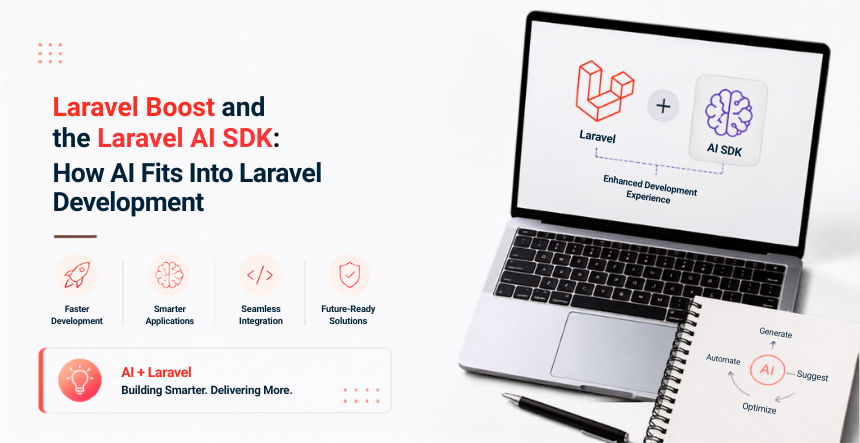
Laravel now ships AI tooling in two different places, and it’s easy to mix them up. Laravel Boost is a Composer package that helps your AI coding assistant, tools like Cursor, Claude Code, or GitHub Copilot, work inside your Laravel project without guessing at your schema or your conventions. The Laravel AI SDK is something else: a first-party package, laravel/ai, that lets your application itself call OpenAI, Anthropic, Gemini, and other providers directly, through one consistent API.
Boost makes AI a better coding partner while you build. The AI SDK makes AI a feature inside what you ship. Laravel 13, released in March 2026, is the first version where both are stable, not beta or preview. Here’s what each one actually does and where it fits into a real project.
What Is Laravel Boost?
Boost is a Laravel-specific MCP server, built in conjunction with Peter Suhm, that gives AI coding agents more than a dozen tools for working inside your actual project instead of guessing. It lets an AI agent query your database through your real schema, run code through Tinker for instant validation, and search version-aware documentation across the Laravel ecosystem, including Inertia, Livewire, Filament, Pulse, and Reverb.
Boost also ships Laravel-maintained AI guideline files, Cursor rules, Claude.md files, GitHub Copilot instructions, and Junie guidelines, that steer the AI toward Laravel’s actual conventions instead of generic PHP patterns. Since our last look at Boost, it’s moved from a Laracon announcement to fully documented, official tooling with its own page in the Laravel docs.
On the Laravel builds we’ve run through Boost, the biggest time saving isn’t code generation itself. It’s the agent actually reading our schema and existing conventions before it suggests anything, which cuts out a large share of the back-and-forth correction we used to do by hand.
What Boost Gives Your AI Agent
Direct, schema-aware database queries, so suggestions match your real models and relationships
Tinker execution for instant, in-context validation of generated code
Version-specific documentation search across your installed Laravel ecosystem packages, which cuts down on outdated or invented suggestions
A Skill system that audits your codebase against Laravel conventions across validation, controllers, authorization, models, architecture, and testing
Browser log streaming, useful for an agent debugging a front-end issue without you pasting console output by hand
Installing and Updating Boost
Boost installs through Composer as a dev dependency, then runs an interactive installer that detects your IDE and asks which AI guidelines to publish. If you’re already using Boost, run its update command periodically to keep your local guidelines and skills in sync with whichever Laravel ecosystem packages you have installed, or add the discover flag to have Boost scan for newly installed packages and offer to publish guidelines for those too.
The Laravel AI SDK, the laravel/ai package, was available in beta during Laravel 12. With Laravel 13, it shipped as stable and production-ready on the same release day. It gives you one provider-agnostic interface for text generation, tool-calling agents, embeddings, image generation, and audio synthesis and transcription, instead of wiring up a separate SDK for every AI provider you want to support.
Provider support currently spans OpenAI, Anthropic, Gemini, Groq, xAI, and others for text, with a comparable spread for images, audio, and embeddings. Switching providers is usually a single config change, not a rewrite, which matters the first time a provider raises prices or has an outage mid-launch.
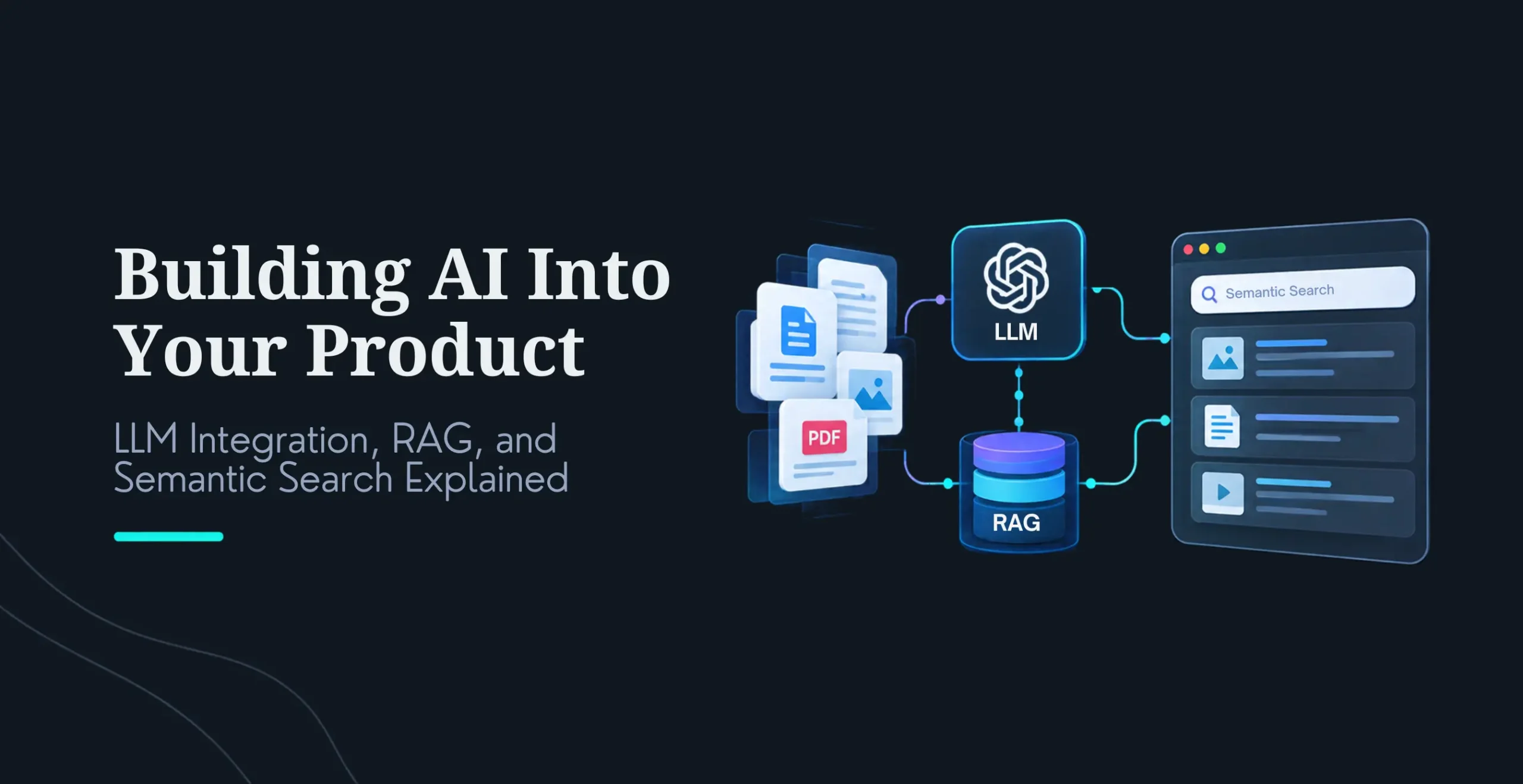
The SDK also adds native vector search, backed by PostgreSQL and pgvector, directly into the query builder. You can turn a plain string into embeddings with a fluent helper and run similarity searches alongside your normal Eloquent queries, which used to mean standing up a separate vector database service.
The projects where this actually pays off are the ones that needed AI features anyway, like semantic search or a support agent, not projects bolting AI on because it’s trendy. If a client doesn’t have a real AI use case yet, we still build on Laravel 13 for the option value it gives them later, but we don’t force the AI SDK into the first release just because it’s there. For a broader look at where AI genuinely fits a custom build, our piece on the best use cases for custom Laravel development covers that decision in more depth.
A Quick Example
Agents in the AI SDK are defined as their own PHP classes, with their own instructions, memory, and available tools, so a sales-coaching agent and a support agent stay cleanly separated instead of living in one tangled prompt file. Calling one from your application code looks like this:
use App\Ai\Agents\SalesCoach;
$response = SalesCoach::make()->prompt(‘Analyze this sales transcript…’);
return (string) $response;
Swap the underlying provider by changing a single config value, and the rest of your application code doesn’t need to know or care.
How Boost and the AI SDK Fit Together
This is the part most coverage of either tool misses, because they get lumped together as “Laravel’s AI stuff.” We think of it as the Two-Layer AI Stack: Boost is the development-time layer, it makes your AI coding assistant better at writing Laravel code while you build. The AI SDK is the runtime layer, it’s what lets your finished application call AI providers on its own, after you’ve shipped it.
Boost writes better Laravel code with you. The AI SDK lets your Laravel app talk to AI on its own. Confusing the two is the fastest way to explain either one badly to a client, and we’ve sat through enough of those conversations to know the distinction is worth stating plainly up front.
What This Means If You’re Still on Laravel 12
There’s no need to rush. Laravel 12 keeps receiving bug fixes until August 2026 and security fixes until February 2027, so you have real runway to plan an upgrade rather than scramble. The AI SDK itself does require Laravel 13, since PHP 8.3 is now the framework’s minimum supported version. If you’re weighing the move, Boost can actually help with it directly: ask your AI agent to run Boost’s upgrade command against your Laravel 12 app and let it handle the mechanical parts of the migration. For the bigger-picture cost and planning questions, our guide on Laravel development costis a useful starting point before you scope an upgrade project.
Why Laravel Still Makes Sense as Your Framework
None of this changes why teams pick Laravel in the first place. Security is built in from the start, with CSRF protection, SQL injection prevention, and a mature authentication system as defaults rather than add-ons. It scales in practice, not just on paper, with Octane and Vapor handling high-throughput and serverless workloads respectively. The ecosystem is deep enough that most problems already have a well-maintained package behind them, and the MVC structure keeps a codebase readable as a team grows around it.
What’s different now is that AI tooling is native rather than bolted on, which is a real advantage over frameworks where you’re assembling AI features from several unrelated packages. A look throughreal-world websites built with Laravel shows the range of projects this combination already supports, well before AI entered the picture.
Getting Started
If you’re planning a new Laravel build, or deciding whether to bring AI features into an existing one, the right first step is scoping what you actually need rather than installing everything Laravel now ships. Our guide on choosing the right Laravel development company covers the questions worth asking before you commit to a team or a stack.
What is the difference between Laravel Boost and the Laravel AI SDK?
Boost helps your AI coding assistant write better Laravel code while you’re developing, by giving it schema access, Tinker execution, and version-aware documentation search. The AI SDK is a first-party package your finished application uses to call AI providers directly, for features like chat, search, or content generation. One is a development tool, the other is a runtime feature.
Do I need to upgrade to Laravel 13 to use Boost?
No. Boost works with Laravel 12 as well as Laravel 13. The AI SDK is the piece that specifically requires Laravel 13, since it needs PHP 8.3 as a minimum and shipped as stable alongside that release.
Which AI providers does the Laravel AI SDK support?
Text generation currently spans OpenAI, Anthropic, Gemini, Groq, and xAI, with a similar range of providers for images, audio, and embeddings. Since the SDK is provider-agnostic, switching from one to another is typically a single configuration change rather than a rewrite.
Is Laravel Boost free?
Yes. Boost is open source and free to install via Composer. You’ll still pay your AI provider or coding assistant’s own usage costs, like Cursor or Claude Code subscriptions, but Boost itself has no separate license fee.
Do I need a vector database to use the AI SDK’s search features?
Not a separate one. The AI SDK’s vector search runs on PostgreSQL with the pgvector extension, so if you’re already using PostgreSQL, you add the extension rather than standing up a new database service. That’s a meaningfully lower lift than the typical Pinecone or Weaviate setup most teams reach for by default.
Should I add AI features to my Laravel app just because I can?
Yes. Boost is open source and free to install via Composer. You’ll still pay your AI provider or coding assistant’s own usage costs, like Cursor or Claude Code subscriptions, but Boost itself has no separate license fee.
Do I need a vector database to use the AI SDK’s search features?
Not a separate one. The AI SDK’s vector search runs on PostgreSQL with the pgvector extension, so if you’re already using PostgreSQL, you add the extension rather than standing up a new database service. That’s a meaningfully lower lift than the typical Pinecone or Weaviate setup most teams reach for by default.
Should I add AI features to my Laravel app just because I can?
No. Add the AI SDK when you have an actual use case, like semantic search, a support agent, or content generation tied to a real business need. Building on Laravel 13 still makes sense on its own merits even if you’re not using the AI SDK on day one, since it gives you the option without committing you to it.
Nirav Panchal
Lead – Custom Development
Lead of the Custom Development team at KrishaWeb, holds AWS certification and excels as a Team Leader. Renowned for his expertise in Laravel and React development. With expertise in cloud solutions, he leads with innovation and technical excellence.




 KrishaLabs
 KrishaStudio
 KrishaStore