WordPress’s real advantage isn’t the core software, it’s the plugin ecosystem built around it. But a plugin list that hasn’t been checked in a few years is a liability: dead plugins stop getting security patches, and abandoned ones can quietly break a site during a WordPress core update. Below are 15 plugins worth installing right now, including where AI has changed what a plugin in that category can do.
15 Must-Have WordPress Plugins for Business Sites
Table Of Contents
Table Of Contents
Yoast SEO, Now With AI Brand Insights
Yoast remains one of the most installed SEO plugins for WordPress, handling meta tags, XML sitemaps, and readability analysis in one place. It recently launched a feature called AI Brand Insights which tracks how AI tools like ChatGPT and Perplexity portray your site when someone asks about your brand or products. In 2026, KrishaWeb was made an official Yoast agency partner, which means that our team has direct access to the plugin’s roadmap and priority support when a client site needs troubleshooting.
WP Rocket for Page Speed
Page speed is still a direct ranking factor, and WP Rocket has become the more common premium pick for WordPress caching, ahead of older options like W3 Total Cache. It handles caching, file compression, and lazy loading without touching code, and its setup is simpler than most of the free alternatives still available on WordPress.org if a completely free option is the priority instead.
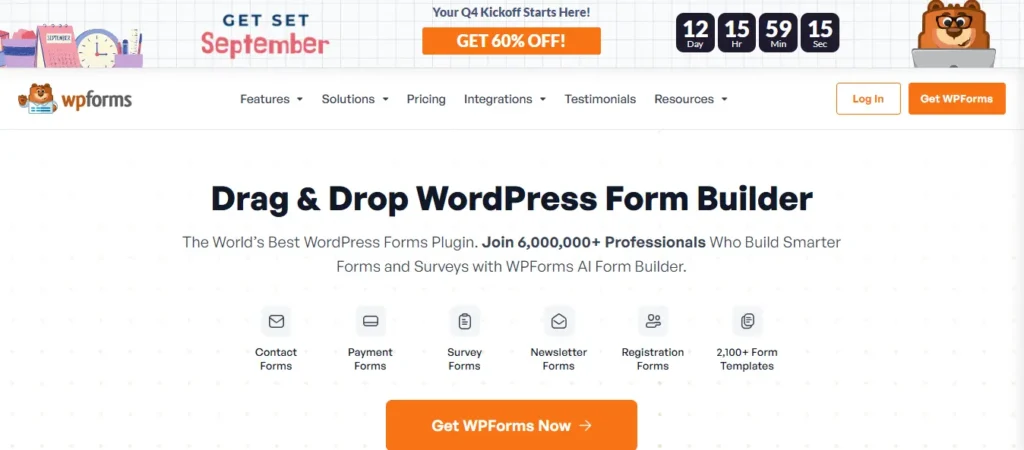
WPForms for Contact and Lead Forms
WPForms has become the more common choice for business sites needing forms beyond a basic contact form: multi-step forms, payment collection, and conditional logic are all available through its drag-and-drop builder. If all you need is a simple form, Contact Form 7 is still free and very common, but WPForms can do anything more complex without custom development.
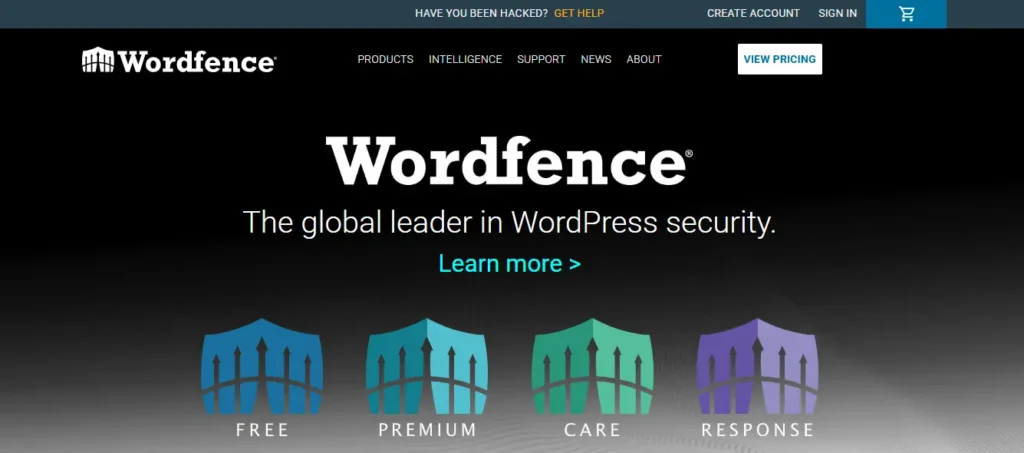
Wordfence Security
Wordfence remains a standard choice for WordPress firewall and malware protection, and its own threat intelligence reports consistently show WordPress sites facing millions of blocked login attempts and exploit attempts across its network each day. Automatic malware scanning and real-time firewall rules catch most of that before it becomes a problem. OurWordPress security guide covers how Wordfence fits into a complete security setup, including what it doesn’t cover on its own.
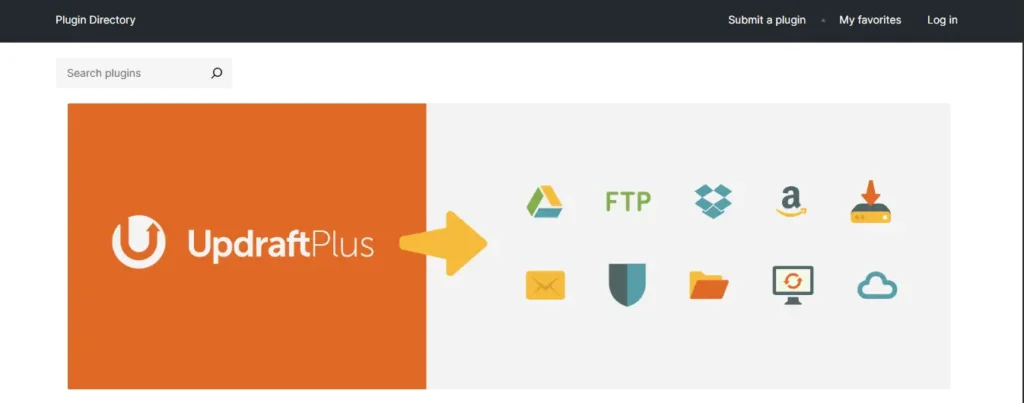
UpdraftPlus or BlogVault for Backups
A security plugin only protects a site going forward. A backup is what saves it when something still gets through. UpdraftPlus remains a solid, widely used free option with flexible storage destinations (Google Drive, Dropbox, Amazon S3). BlogVault is the stronger pick for larger or e-commerce sites needing daily automated backups and one-click staging, at a cost the free option doesn’t carry. Pick one, not both, since running two backup plugins on the same site tends to cause more scheduling conflicts than redundancy benefits. For a broader look at what else belongs in a WordPress toolkit, see our roundup of essential WordPress developer tools.
Jetpack, With Its AI Assistant
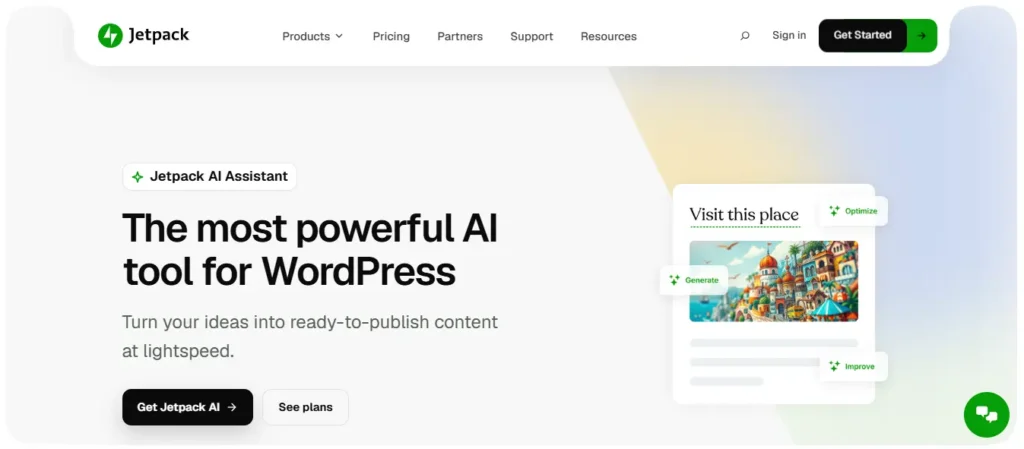
Jetpack still bundles security, performance, and site stats into one plugin, but its AI Assistant is the part worth calling out now: it drafts posts, suggests titles, and can generate simple layouts directly inside the WordPress editor. Our guide to Jetpack’s AI Assistant walks through what it handles well and where it still needs a human editing pass before publishing.
An AI-Powered SEO and Content Plugin
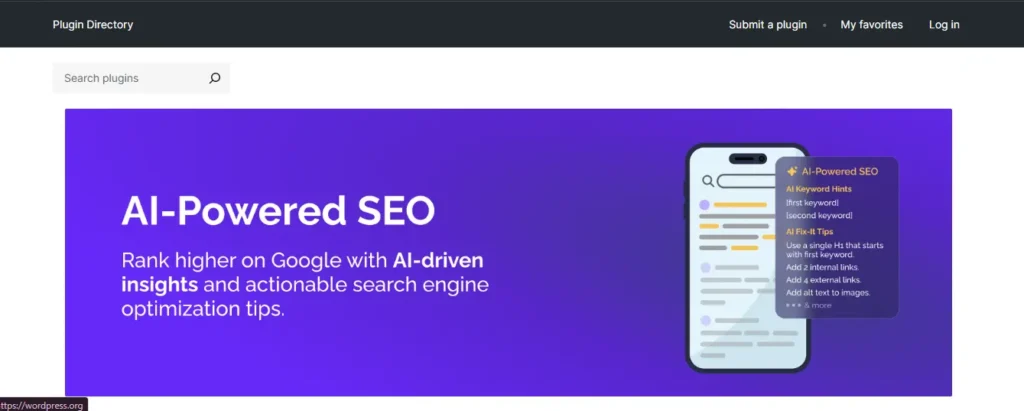
Beyond Yoast, dedicated AI SEO tools have become their own plugin category. Rank Math, for example, added llms.txt file generation and an AI search traffic tracker in 2025, showing which of a site’s pages get referenced by AI answer engines. Whether that sits alongside or replaces a primary SEO plugin depends on the site, but it’s worth evaluating given how much search behavior has shifted toward AI tools. Our guide to using AI across WordPress covers how these tools fit into a broader WordPress AI strategy.
WooCommerce for Online Stores
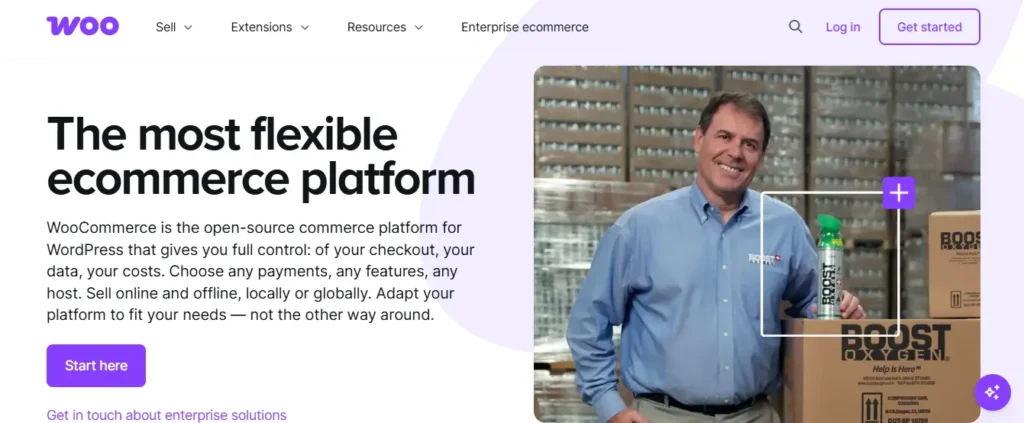
WooCommerce remains the most widely used e-commerce platform on WordPress by a wide margin, still running roughly 8 to 9% of all websites and about half the web’s e-commerce platforms, according to W3Techs. It’s free at its core, supports every major payment method, and scales from a single-product storefront to a full multi-vendor marketplace through its extension ecosystem.
MonsterInsights for Analytics
A plugin most “must-have” lists still leave out entirely. MonsterInsights connects Google Analytics directly to the WordPress dashboard, showing traffic, conversion, and e-commerce data without needing to leave the admin panel or dig through Google’s own interface. For a business owner who isn’t going to check Google Analytics daily on its own, having that data inside WordPress is often the difference between checking it and ignoring it.
Envira Gallery for Visual Content
Envira Gallery remains one of the more capable options for building responsive photo and video galleries without touching code, with drag-and-drop layout tools and social sharing built in. For businesses relying heavily on product photography or portfolio work, a dedicated gallery plugin still outperforms manually inserting images one at a time.
WP-Optimize for Database Cleanup
Every WordPress site accumulates database bloat over time: post revisions, spam comments, expired transients. WP-Optimize cleans that out on a schedule without needing phpMyAdmin access, which keeps the database lean and, in turn, keeps the site faster.
MalCare for a Second Layer of Security
Where Wordfence handles firewall and scanning, MalCare focuses on fast malware removal and a security setup that’s simpler to manage for non-technical site owners. Larger sites or agencies managing several client sites sometimes run MalCare specifically for its centralized dashboard and white-label reporting options rather than as a replacement for Wordfence.
Tidio for AI-Powered Live Chat
The old Zendesk-based Zopim chat plugin is no longer functional or maintained. Tidio has become one of the more common replacements, pairing live chat with an AI chatbot that can answer common questions and qualify leads outside business hours instead of leaving a visitor without a response until morning.
Smash Balloon for Social Feeds
Static social sharing buttons matter far less than they did in 2018. What’s replaced them: live social feeds embedded directly on a site, pulling recent Instagram posts, Facebook updates, or reviews into a page automatically. Smash Balloon handles that without needing a developer to wire up an API connection manually.
Native WordPress Comments Plus Akismet
Third-party comment systems have become more of a privacy and loading-speed liability than a benefit for most business sites. WordPress’s native commenting system, paired with Akismet for spam filtering, handles the job for most sites without adding a third-party script that slows down every page it loads on.
Building a Plugin Stack That Lasts
The plugins on this list solve real, current problems, but a plugin stack still needs occasional review. A tool that’s essential today can be abandoned in two years, the same way several entries on this post’s original 2018 version turned out to be. If you’re not sure your current plugin setup is still solid, our WordPress security guide and developer tools roundup are both good starting points for an audit.
Want a second opinion on your current plugin setup? Contact KrishaWeb and we’ll flag anything outdated, redundant, or quietly slowing your site down.
Frequently Asked Question
How many plugins should a WordPress site run?
There’s no fixed number, but each plugin adds some load time and a potential point of failure during updates. A well-run business site typically runs somewhere between 10 and 20 active plugins covering SEO, security, backups, forms, and performance, rather than dozens of narrow single-purpose plugins doing overlapping jobs.
Do I need both a security plugin and a backup plugin?
Yes, and they solve different problems. A security plugin like Wordfence tries to stop an attack before it happens. A backup plugin is what restores the site if something still gets through. Running one without the other leaves a real gap.
Is it safe to use free WordPress plugins?
Most widely used free plugins, including several on this list, are safe and actively maintained. The risk is with abandoned plugins that haven’t been updated in a year or more, since those stop receiving security patches. Always check a plugin’s “last updated” date on WordPress.org before installing it on a live site.
Do AI plugins slow down a WordPress site?
Most AI features run through a cloud API call rather than processing on the site’s own server, so they don’t add meaningful load time to the pages a visitor sees. The plugin’s editor-side tools (like Jetpack’s AI Assistant) only run in the admin dashboard while writing, not on the live, public-facing site.
What’s the difference between Yoast and Rank Math?
Both handle the core SEO basics: meta tags, sitemaps, schema markup. Yoast has a longer track record and a larger user base, while Rank Math has moved faster on newer features like AI search tracking and llms.txt generation. Either is a reasonable choice; the right one often comes down to which specific features matter most for a given site.
Can too many plugins break a WordPress site?
Yes, most commonly through plugin conflicts rather than sheer number. Two plugins trying to control the same function, like two caching plugins or two SEO plugins, is a far more common cause of a broken site than simply having a lot of plugins installed.
Power Up Your WordPress Website
Discover the right tools to make your WordPress website faster, smarter, and more effective. Get expert WordPress solutions tailored to your business needs.
A Technical Architect, proficient in WordPress, Drupal, Laravel, and DevOps tasks, crafts robust IT solutions with a blend of expertise and versatility in web development and infrastructure management.




 KrishaLabs
 KrishaStudio
 KrishaStore