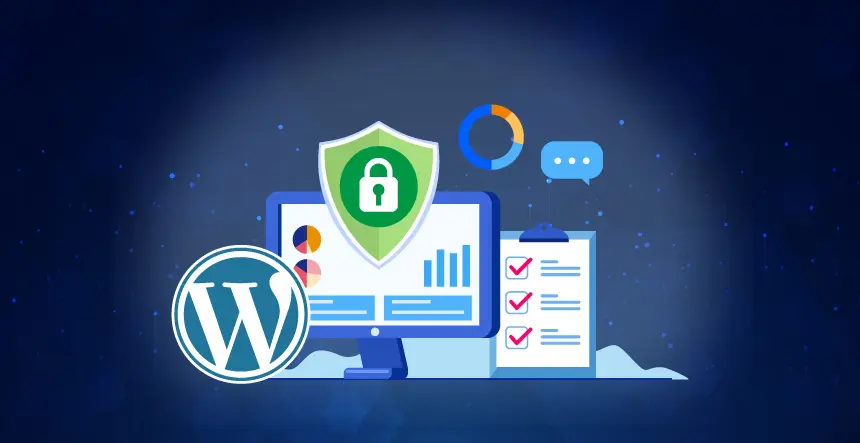
From my 15+ years of experience in the digital space, I’ve watched WordPress progress from a simple blogging platform into the engine that powers about half of the websites on the web. The ease and accessibility of WordPress is its superpower, but with great power comes great responsibility- the responsibility to change.
What was good enough for a business website in 2015 is not sufficient anymore. Future-proofing your WordPress site is now much more than marginal changes; it requires a change in mindset. It requires the ability to build for the next five years and not just the next five months. The key pillars for future-proofing your WordPress site are scalability to handle growth that is out of control and security to counter threats that are constantly changing.
This guide is about more than just updating your plugins. We will cover the architectural and strategic shifts needed to not just future-proof your WordPress site, but to make it a bastion of security and a rocket of performance in 2025 and beyond.
The Scalability Imperative — Preparing for Unforeseen Growth
The mistake I see most organizations make is misjudging their own potential for success. Organizations create a site that works for them today, and we watch them become consumed with unexpected traffic. When you think of scalability, think of preparing for an opportunity or a moment: the pressure of a viral post, or the success of a well-timed ad campaign, or the sudden challenge of 1,000 people hitting your website at the same time.
1. Rethinking Your Architecture: Headless WordPress
For many years, WordPress has functioned as a monolithic CMS. The back-end (the dashboard and database) and the front-end (what users see) were tightly coupled. This is true for many websites, but for ambitious organizational growth, the headless setup is the gold standard.
What is a Headless WordPress CMS?
In a Headless CMS setup, WordPress acts solely as a repository — the front-end has been decoupled and supplied with a JavaScript framework such as React, Vue, or Next.js. The two entities communicate via the WordPress REST API.
What’s this, a scalability strategy for 2025?
Unparalleled performance:Modern front-end frameworks can pre-render pages as static files. As a result, your server doesn’t need to build each page on the fly; instead, it gets delivered as a static file, which means you’ll see lightning-fast load speeds. You’ll want to improve your Core Web Vitals and SEO rankings, so this is incredibly important.
Extreme Scalable: Because your front end is static, you can serve it from a global Content Delivery Network (CDN) provider like Cloudflare or Vercel, which means you have offloaded most of the traffic from your main server. A CDN can scale and serve whatever demand is needed, so your server can easily handle a million visitors or can handle a hundred visitors with minimal resource allocation.
Omnichannel delivery: Your WordPress content can now be used on a website, mobile app, IoT device, or a digital billboard, all from one source.
The caveat: The above will require much more technical knowledge and a different development workflow. This may not be right for small blogs, sites, or those who do not have an available developer.
2. Updating Your Infrastructure: Caching, CDNs, & Containerization
Even if you are sticking to a traditional WordPress installation, you still will need to have a strong infrastructure.
Enterprise-level caching: Beyond a typical page caching plugin, implement object caching as well! Use something like Redis, which caches the results of any database query. This is critical for websites using dynamic content (e.g. e-commerce or membership sites).
Full site CDNs: A CDN is no longer just for static assets. Cloudflare’s APO (Automatic Platform Optimization) caches your entire dynamic WordPress page and serves it from a server closer to the user.
Containerization (for advanced): You can create a WordPress site in a Docker container. This allows you to isolate your application and all of its dependencies, enabling you to make it portable, provide better security, and ultimately provide easy horizontal scalability by spinning up containers whenever you get a spike in traffic.
The Security Mandate—Creating a Digital Fortress
The WordPress community is unique because it is open-source. This has led to a flourishing developer community, but at the same time, it also opens the doors to malicious actors hoping to exploit flaws in WordPress products. In 2025, the risks have become increasingly sophisticated, but so have the controls available to defend them.
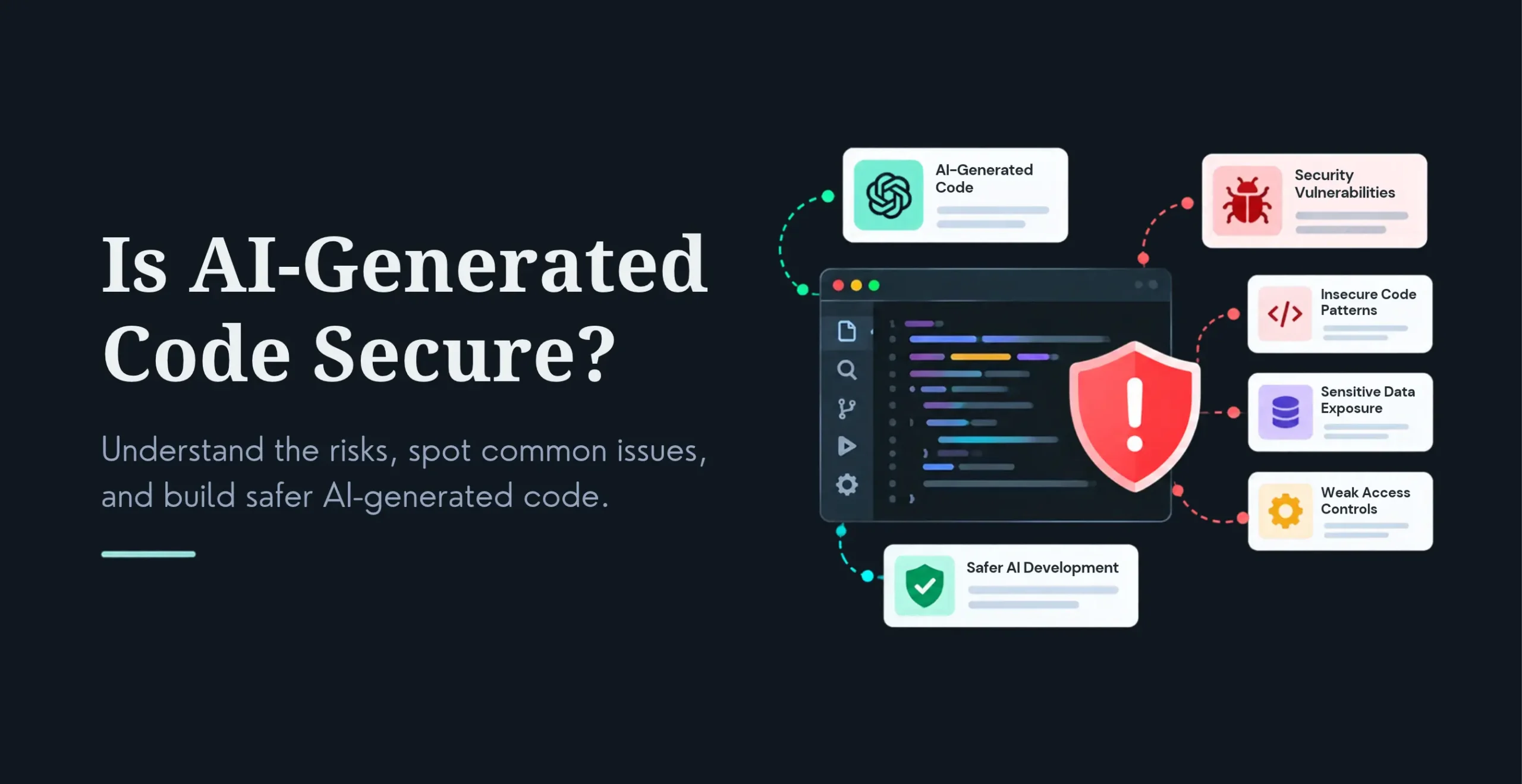
1. The Hard Truth: 97% of Security Vulnerabilities are Plugins & Themes
According to data from top security firms, such as Patchstack and Sucuri, 97% of all WordPress vulnerabilities come from plugins and themes rather than the core software. This one statistic is the most valuable piece of information for any WordPress owner.
This means that one outdated or poorly coded plugin can take down the entire site. The answer is not to stop using plugins; it is to be extremely intentional about them.
2. For more than the basics: Security Practices in 2025
Implement a Web Application Firewall (WAF): A WAF is a website’s first line of defence for security. A WAF sits between your server and the incoming traffic and filters out bad requests, which keep the malicious requests from ever reaching your site. Think of a WAF as the bouncer to your website. A DNS level (Level 3: see Levels) WAF is the most effective, which would be through a service such as Sucuri or Cloudflare.
Implement Multi-Factor Authentication (MFA): MFA is a standard that must be put in place for all administrator accounts. A username/password is no longer sufficient; if anyone has access to the site, it would likely become exposed. Services like WP 2FA make this simple.
Hardening Your Database and Files:
Rather than changing your table prefix from wp_ to xyz_pgslv123.
Rather than using the default wp- wp-login.php, change this to obscure it from bots.
Set file permissions appropriately (for example, 644 files, and 755 folders) to not allow any harmful alterations: props to having a solid plugin such as iThemes Security or another trusted security provider, these plugins typically automate this process.
Automate Everything: I always joke, the second you rely on manual updates, you basically just signed your death warrant. Set everything to run automatically: Core, Themes, and Plugins. Similar to mission-critical sites, have an automated service that backs up the site and checks before pushing any updates.
Future-proofing your WordPress website in 2025 is not about one solution; it is a holistic approach. It is recognition that performance and security are two facets of a single coin.
Scalability:
Headless CMS: Decouple the front end and back end to increase speed and omnichannel delivery
Advanced caching: Use object caching (eg, Redis) and CDN for full-site caching, even when the site is dynamic
Infrastructure: Managed WordPress hosting and load-balanced hosting, or consider containerization using Docker
Security:
Plugins are the biggest risk. Be diligent in auditing and maintaining plugins
WAF: A Web Application Firewall should be the first layer of security
MFA: Multi-factor authentication should be a requirement for all admin users
Automate: Automatic updates should be on at a bare minimum, and schedule regular backups
This is more than a list of suggestions—it represents how to build a digital asset that can withstand the tests of time, traffic, and threats. When you commit to the way in which you will implement these strategies, you’re not just owning a website; you’re creating a digital platform that is scalable, secure, and prepared for the future—a digital hub that you can build your business around for years to come.
Ready to Future-Proof Your Website?
To create a scalable, secure, and contemporary WordPress website, you must have a relevant understanding of current technology and tomorrow’s trends. Technology is constantly changing, and a future-ready website is an investment in your business continuity. If you want to transform your WordPress website from a simple online presence to a fully functional, high-performance digital asset, we can help. KrishaWeb specializes in developing custom, secure, and scalable WordPress development solutions.
Connect with our experts today to discuss your vision and get a clear roadmap for your digital future.
Frequently Asked Questions
1. Is headless WordPress right for my small business site?
For a simple blog or static business brochure site, a headless WordPress site may be overkill, while there are much faster home pages than WordPress for static content. A typical headless WordPress site is best suited for e-commerce stores, high-traffic portal sites, or, perhaps, companies that want to share portfolios or need to deliver content to multiple platforms (e.g. website and mobile app). Most small businesses do not require more than a traditionally built, well-optimized WordPress website, and it’s much easier to maintain.
2. How often should I update my WordPress plugins and themes?
A best practice for each plugin, theme or the WordPress platform itself is: as soon as a new version is released, update it. As previously mentioned, 97% of software vulnerabilities are caused by outdated plugins and themes. The best practice for keeping your website safe is automating your updates. This way, you are able to ride the line of security proactively, and your site is always up to date.
3. Can I do all of these future-proofing strategies myself?
Most basic steps, such as installing a WAF plugin or enabling a multi-factor authentication (MFA) solution, can be done by a person with the right tools, doing a little amount of research. Strategies that add complexity to a website, such as upgrading to a headless architecture, adding caching strategies or containerisation, require specialized development expertise, so it is advisable to, do not to risk website functionality and your quality data.
Girish Panchal
Technical Architect
A Technical Architect, proficient in WordPress, Drupal, Laravel, and DevOps tasks, crafts robust IT solutions with a blend of expertise and versatility in web development and infrastructure management.




 KrishaStudio
 KrishaStore